



TL;DR: Switch to smart expense tracking software to save time and boost profits.
Ever feel like your old expense tracking system is eating into your profits? Upgrade to small business expense management software that skips clunky manual work. With fast receipt scanning and smart automation, you can track expenses accurately and see your spending in real time.
This tool saves you hours every month and keeps your cash flow steady. In short, it turns tedious financial tasks into a simple, profitable process that gives you a competitive edge.
Essential Benefits of Small Business Expense Management Software
Expense management software makes it easier for small businesses to control spending by automating tasks that used to be done by hand. This type of software is part of broader expense management solutions that cut back on paperwork and keep your financial records tidy. It offers one central system to capture, process, and store expense information, which means fewer mistakes and faster turnaround. In short, it helps you keep an eye on cash flow while making your accounting run smoother.
Key functions include capturing receipts with mobile apps, automatically sorting expenses into categories, setting up custom approval steps, and linking neatly with accounting systems and finance reporting tools. With these features, employees snap photos of receipts that turn into digital records, expenses go into the right categories, and spending limits are enforced automatically. This system removes the drudgery of manual data entry and frees up your finance team to focus on strategy.
Many businesses report saving up to 20 hours each month by cutting out manual tasks. Additionally, these tools can lower annual business costs by about 5% by identifying unnecessary spending and speeding up reimbursement. The time saved, along with improved accuracy and compliance, gives managers clear insights into spending trends so they can act fast and boost profits.
Key Features of Small Business Expense Management Software

Small business expense management software helps you save money and boost cash flow. It streamlines financial work, cuts down on manual tasks, and offers spending data in real time. The system connects with major accounting platforms so managers get clear insights into trends and profit margins. For example, automated receipt scanning can cut manual entry time by over 80%. This means controlling expenses and optimizing cash flow become part of your everyday routine.
Most systems offer six key features in one package. You get automated receipt scanning on your phone to reduce paperwork. The software sorts expenses in real time to keep transactions organized while supporting multiple currencies to handle international costs. Custom approval workflows ensure spending sticks to company rules, and mobile access lets you check expenses wherever you are. Real-time dashboards compile spending data so you can instantly control costs and maintain strong cash flow.
Pricing Models for Small Business Expense Management Software
Expense management software is built to fit a variety of budgets and needs. Many tools start with free or low-cost plans, about $5 per user per month, that cover basic features like mobile receipt scanning, a few expense categories, and standard reporting.
For those who need more, mid-level plans cost around $10 to $20 per user each month. These packages offer added benefits like full integration with key accounting software, better approval workflows, and support for multiple currencies.
If your business is larger, enterprise solutions come in at $30 or more per user each month or may even work on a flat fee for the whole company. These premium plans give you options to customize, enjoy priority support, and get detailed analytics.
Many vendors also provide free trials or demos for 14 to 30 days, letting you test all the features without paying upfront. Try a demo to see how the extra functions can simplify your expense tracking and improve your overall financial management.
Integration Options with Accounting and Finance Tools
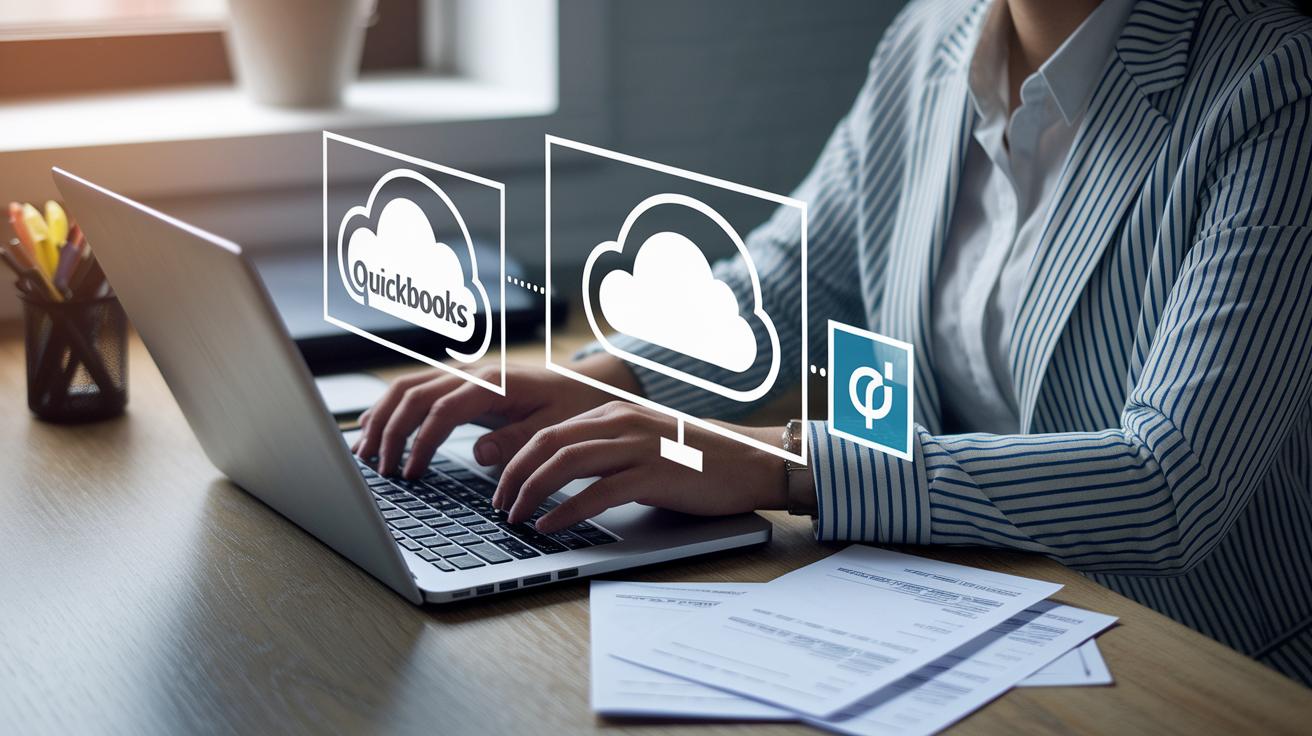
Top expense management tools now connect automatically with popular accounting platforms like QuickBooks, Xero, NetSuite, and Sage Intacct. They use cloud syncing to send expense data directly into your general ledger. This cuts out manual entry, reduces errors, and saves you time.
These connections keep every receipt and expense recorded accurately, so you can update your records without extra work. A business can save hours each month by not having to move data between different systems.
Some vendors offer open APIs for custom setups, while others provide pre-built connectors that sync with payroll and ERP systems. These options let you tailor your expense management to your unique accounting needs. Plus, you get real-time dashboards and detailed analytics to track cash flow and simplify reconciliation. In short, integrated expense tracking helps cut costs and reduce manual work, boosting profits for small businesses.
Top Small Business Expense Management Software Compared
Expense management software can change the game for small businesses by making it easier to control spending. These tools use automation with real-time dashboards to simplify financial tasks. They offer mobile receipt scanning, built-in expense reporting, and policy controls to help cut errors and save time. The key is to choose a tool that matches your main needs, budget, and business size.
Eight top tools stand out by balancing features with cost and smooth integration into common accounting systems. For example, Expensify has a simple mobile app; Zoho Expense supports multiple currencies and links well with other tools; Concur Expense offers strong approval processes for bigger operations; Ramp brings in AI-powered automation along with card integration; Rippling Spend wraps expense tracking with HR and payroll; Brex is built with tech startups in mind; FreshBooks adds invoicing to the mix; and Rydoo gives real-time reporting, ideal for busy travelers.
| Software | Key Features | Best Suited For | Cost |
|---|---|---|---|
| Expensify | Simple receipt scanning, automatic reports | Freelancers and small to medium businesses | $5-$15/user/mo |
| Zoho Expense | Cloud tracking and multi-currency support | Zoho users and SMBs | $5-$20/user/mo |
| Concur Expense | Strong approval processes and many integrations | Medium to large companies | Custom pricing |
| Ramp | Corporate cards with AI automation | Businesses focused on cost control | $10-$25/user/mo |
| Rippling Spend | Expense tracking integrated with HR and payroll | Companies needing a full suite solution | $15+/user/mo |
| Brex | Innovative expense cards and smooth receipt capture | Tech-savvy startups | Enterprise pricing |
| FreshBooks | Expense management paired with invoicing | Freelancers and small businesses | $10-$20/user/mo |
| Rydoo | Instant expense reporting and user-friendly mobile app | Teams with frequent travel | $10-$25/user/mo |
This side-by-side look makes it easier to decide which solution fits your needs. Focus on what matters most to your business, mobile access, integration ease, and budget. Choosing the right tool can help you keep a tighter rein on expenses and boost your profits.
Case Study: Small Business Savings with Expense Management Software

TL;DR: The agency switched to an automated expense platform, saving 20 hours each month, cutting annual spending by 5%, and boosting compliance to 98%.
The marketing agency was stuck in a cycle of manual expense tracking and tight deadlines. Their team spent hours sorting receipts and entering data by hand, which often led to mistakes and issues with following company rules.
They solved this problem by using an automated expense management system. This new platform gave them a real-time dashboard that quickly highlighted any spending that didn’t meet company guidelines. With alerts coming in within minutes, the team no longer had to sift through receipts, and could concentrate on creative work instead.
Employees also began using a mobile app to snap photos of receipts wherever they were. The system automatically categorized the expenses, making sure every transaction adhered to company policies without any extra work.
Key results included:
- Saving 20 hours per month by cutting down on manual reporting.
- Reducing annual expenses by 5% through quick identification and elimination of unnecessary costs.
- Raising compliance to 98%, which minimized policy breaches and costly errors.
| Key Metric | Before | After |
|---|---|---|
| Manual Reporting Time | Many hours | Down by 20 hours/month |
| Annual Spending | Not optimized | Reduced by 5% |
| Compliance Rate | Frequent errors | Improved to 98% |
Best Practices for Deploying Small Business Expense Management Software
Small business expense management software can make your finance work a lot easier. It simplifies tracking expenses and helps you control costs better. A clear rollout plan makes sure you get every benefit and gives you quick insights into your spending.
Here’s how to start:
- Set simple expense rules. Decide what costs count and who can approve them.
- Train your team on both mobile and web apps so they can log expenses and capture receipts on the go.
- Connect the software to your accounting system. This helps data flow smoothly between expense tracking and bookkeeping.
- Run a test with one department first. This lets you fix any issues and gather user feedback on ease of use and accuracy.
- Check compliance numbers often. Adjust the workflow regularly to keep things running smoothly.
Keep improving over time. Look at your expense data regularly and update training to address common issues. By fine-tuning your rules and process based on feedback and trends, you reduce manual work and improve cost control, which can boost your profit margins.
FAQs on Small Business Expense Management Software

-
What hidden wins does expense management software offer?
It does more than track expenses. It helps you follow your company rules and makes audits easier by flagging expenses that don’t match your guidelines. -
How should small businesses decide between free and paid plans?
Your choice depends on how many transactions you handle and whether you need specific integrations. For basic tasks, a free plan may work fine. If you deal with a high volume or need special connectivity, a paid plan might save you time and money. -
What integration issues might you run into?
Older accounting systems may require a few extra tweaks. Most platforms offer easy-to-follow guides to help you make those adjustments.
Final Words
In the action, we’ve broken down how expense management software transforms tasks with automated receipt scanning, expense categorization, approval workflows, and more. It shows how these tools save time and cut costs, streamlining both daily and annual spending.
The post also compared pricing models, integration options, and real-world case studies, making clear benefits accessible for every small business. Embracing small business expense management software can empower you to act decisively and improve financial efficiency. Keep moving forward with confidence.
FAQ
What is Zoho Expense management?
Zoho Expense management provides automated receipt scanning, expense categorization, and approval workflows. It integrates with accounting systems to streamline expense reporting for small businesses.
What is the best small business expense management software?
The best small business expense management software offers user-friendly mobile apps, real-time dashboards, multi-currency support, and solid integration with accounting platforms, ensuring efficient expense tracking.
How can a small business track expenses efficiently?
Efficient expense tracking for small businesses relies on automating receipt capture, categorization, and report creation while ensuring compliance, which cuts manual data entry and saves valuable time.
Is there free bookkeeping or expense management software available for small businesses?
Free expense management software exists for small businesses, offering basic features with limited user capacity. These solutions serve as a good starting point before upgrading to more robust paid plans.
Is Expensify really free?
Expensify offers a free tier with fundamental expense tracking features, but accessing all tools and capabilities requires upgrading to a paid plan as business needs grow.