



TL;DR: Use a digital wallet to speed up your everyday payments with a tap on your phone.
Have you ever thought about ditching your wallet for your phone? A digital wallet makes payments quick and secure with just one tap. Instead of digging for cash or cards, you store your payment details and rewards in one safe spot. This modern setup not only speeds up your shopping but also reduces the chance of losing your cards. In this guide, we show you how to set up your digital wallet step by step and explain how it can make your daily transactions a breeze.
Getting Started with Your Digital Wallet: Definition and Benefits
TL;DR: Digital wallets let you pay, transfer funds, and manage loyalty cards quickly and safely from your phone or computer.
Digital wallets are your virtual version of a physical wallet. They safely store your payment details, passwords, and even loyalty cards on your smartphone or computer. Instead of carrying cash or bulky cards, you have your financial information in one secure place.
These wallets use strong security measures like encryption (a method to scramble your data) and tokenization (transforming sensitive details into random codes) to protect you against unauthorized access.
With a digital wallet, you can complete transactions in seconds. A few taps, and you can pay, send money, or redeem loyalty rewards without the hassle of searching for cash or cards. This quick, secure method not only saves time but also lowers the risk of losing your cards by using advanced safety features.
Digital Wallet Setup Guide: Step-by-Step Smartphone Installation
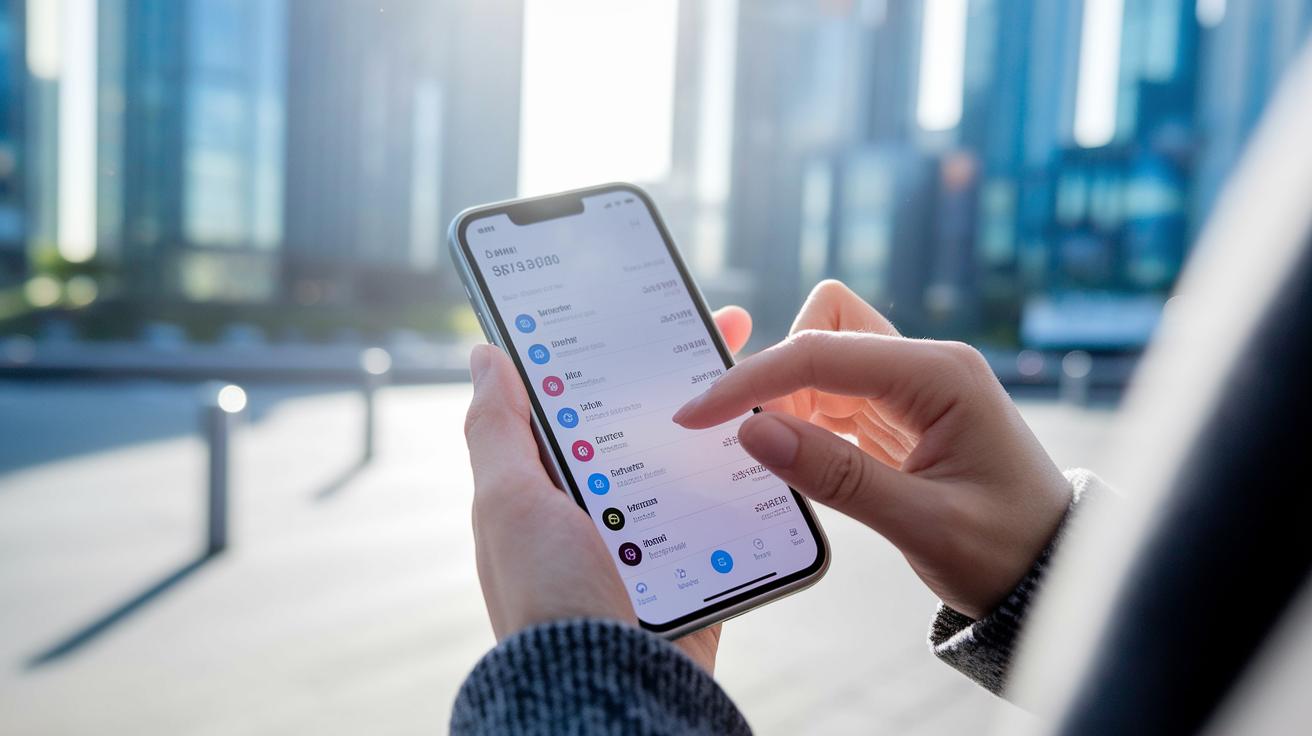
Start by ensuring your smartphone has a strong internet connection and a valid email address or phone number for your account. With these in place, you can quickly download an FDIC-insured digital wallet app that offers protection similar to the U.S. Government's promise. Grab your device and follow these easy steps to set up a wallet for fast payments, money transfers, and secure loyalty card storage.
- Download the wallet app from your official app store.
- Sign in or create your account using your email address or phone number.
- Link a payment card or bank account so you can make transactions.
- Complete the identity check as the app directs.
- Set up extra security with a PIN, fingerprint, or face ID.
- Optionally, add loyalty or membership cards to keep all your cards in one safe spot.
Once you finish these steps, review your account details and run a small test transaction. This check confirms your wallet is set up correctly. Whether you shop in stores, online, or send money to friends, your new digital wallet makes everyday payments smooth and secure.
Using Your Digital Wallet for In-Store, Online, and Peer-to-Peer Transactions
TL;DR: Use your digital wallet for fast, secure payments in stores, online checkouts, and with friends.
At the store, hold your smartphone by the checkout terminal and tap to pay with NFC (near-field communication, which lets devices exchange data when close). Your wallet sends a secure signal in seconds. It works like swiping your card but is quicker and more reliable, just sync your phone with the terminal and tap.
For online shopping, select your wallet as the payment method at checkout. Then, verify your identity with your fingerprint or PIN and tap to complete your order. This step cuts out the hassle of typing long card numbers and keeps your transaction safe in real time.
When transferring money to a friend or using a digital loyalty card, open your wallet app and choose the correct option. Follow the simple on-screen prompts to finish the transaction. Whether you're splitting a bill or applying rewards, your digital wallet makes it as easy as sending a quick text.
Securing Your Digital Wallet: Key Safety Practices for Transactions

Your digital wallet uses encryption (a method that scrambles data) and tokenization (a way to change sensitive details into random codes) to protect your payment information. It also has FDIC-insured protection, similar to the trust you get from a U.S. government guarantee.
To keep your transactions safe, use biometric authentication or a strong PIN. Update your wallet app regularly to get the latest protection and only download apps from trusted sources. For example, choose a random PIN instead of common codes like 1234.
Digital Wallet Apps and Supported Devices Compared
Digital wallet apps help you make fast, safe payments while fitting your everyday needs. Check if the app works with your phone or computer and offers features like tap-to-pay, peer-to-peer transfers, or extra banking tools. This guide shows you options that match your lifestyle and spending habits.
| App Name | Supported Devices | Key Features |
|---|---|---|
| Apple Pay | iOS devices | NFC tap-to-pay, loyalty storage |
| Google Pay | Android devices | NFC payments, P2P transfers |
| Samsung Pay | Samsung devices | Magnetic Secure Transmission, in-store support |
| PayPal | iOS, Android, Web | Online payments, invoicing, P2P transfers |
Your choice depends on your device and how you spend money. If you use an iPhone and want built-in loyalty storage, try Apple Pay. Android users may prefer Google Pay or Samsung Pay for smooth in-store transactions. If you need a wallet that works on various devices, consider PayPal. You can also explore Revolut Bank for extra digital wallet features blended with banking services.
Troubleshooting Your Digital Wallet: Common Problems and Fixes
If your digital wallet acts up, try these steps to get back on track. Sometimes, payments may be declined even if your account appears to have enough money, or the tap-to-pay feature might not work. Login errors can also block you from handling transactions when you need to use your wallet.
First, check that your smartphone’s NFC setting is turned on so the tap-to-pay feature works as it should. Next, update your wallet app to the latest version to fix any bugs and improve performance. Confirm that your card or bank account is active and ready for use. If you still face login issues, reset your password or restart your device to clear any temporary glitches. These simple fixes usually resolve most issues and help you enjoy fast, reliable payments.
Digital Wallet FAQs: Quick Answers to Frequently Asked Questions
TL;DR: Digital wallets simplify fund management and offer secure, fast actions for everyday transactions.
How Do I Add and Verify a Payment Method?
- Open your digital wallet app and tap to add a new card.
- Enter your card information and follow the app's prompts.
- You may receive a text or email with a code; enter it to complete the verification.
What Happens If My Phone Is Lost or Stolen?
If your phone goes missing, act immediately:
- Use the wallet app's remote lock to secure your account.
- Reset your PIN right away.
- Contact your bank to freeze any linked cards to block unauthorized use.
Can I Use My Digital Wallet Internationally?
Yes, you can use your digital wallet in many countries. Just ensure:
- Merchants accept digital wallet payments.
- You understand any currency conversion fees.
- Your app settings support international transactions.
Final Words
In the action, this guide explained digital wallets, from what they are and how they work to setting up your smartphone and making payments. We broke down clear steps for installing an app, protecting your funds, and using your wallet for various transactions. You learned how to solve common issues and found answers to key questions. Keep these tips handy to improve your payment experience. Embrace the steps outlined and discover how to use digital wallet confidently as you move forward with your financial goals.
FAQ
How do I use a digital wallet on Android and iPhone?
Using a digital wallet on Android and iPhone means downloading the correct app, adding your payment details, and then tapping or scanning your phone to pay in stores or online.
How can I use my digital wallet for ATM and online transactions?
Using your digital wallet online means selecting it as a payment method and authenticating via PIN or biometric methods, while ATM use may require an associated physical card or contactless cash withdrawal feature.
How do I set up my digital wallet with Bank of America and Wells Fargo?
Setting up with Bank of America or Wells Fargo involves downloading their mobile wallet app, adding your account or card details, and completing identity verification to enable contactless payments and other features.
What are common digital wallet examples and how do I pay with them?
Common examples include Google Wallet, Google Pay, Apple Wallet, Samsung Pay, Samsung Wallet, and Cash App; you pay by selecting the wallet at checkout, then authorizing the payment via your phone.
How does a digital wallet work?
A digital wallet works by securely storing your payment credentials in an encrypted format, allowing you to make purchases by tapping your phone or entering a secure code for online transactions.
What are the disadvantages of using a digital wallet?
Digital wallets can have disadvantages such as reliance on internet connectivity, limited acceptance at some merchants, potential security concerns if your device is compromised, and possible currency conversion fees.
Which is safer, a credit card or a digital wallet?
Comparing safety, a digital wallet often uses encryption and tokenization to secure payment details, reducing fraud risk, though both methods require proper security practices by the user.
semaglutida dosis para bajar de peso
semaglutida dosis para bajar de peso
topical rogaine target
topical rogaine target
doxycycline 100 price in india
doxycycline 100 price in india
metronidazole 500 mg used for
metronidazole 500 mg used for
cialis drug interaction
cialis drug interaction
minoxidil rogaine walmart
minoxidil rogaine walmart
acyclovir cream 50mg/g
acyclovir cream 50mg/g
toradol clinical overview
toradol clinical overview
terbinafine side effects
terbinafine side effects
ivermectin clinical analysis
ivermectin clinical analysis
ivermectin safety
ivermectin safety
minoxidil foam vs liquid differences
minoxidil foam vs liquid differences
sildenafil mechanism pathway
sildenafil mechanism pathway
sildenafil fraud prevention
sildenafil fraud prevention
vardenafil effect on cavernosal tissue
vardenafil effect on cavernosal tissue
orlistat contraindication details
orlistat contraindication details
online safety safe navigation
online safety safe navigation
penicillin allergy adverse reactions
penicillin allergy adverse reactions