



TL;DR: Set up IRS direct deposit on your Form 1040 to get your tax refund fast and securely.
Ever thought your tax refund could show up right away? With IRS direct deposit, your refund goes straight into your bank account instead of waiting for a paper check. This method is like trading waiting in long lines for instant email alerts. In 2025, nearly 87 million refunds used direct deposit, making it a popular choice.
Follow these simple steps on your Form 1040 to enjoy a faster, safer refund.
IRS Direct Deposit Tax Refund Payment: Fast, reliable
Direct deposit lets you receive your tax refund straight into your bank account. It avoids the wait for a paper check and cuts down on delays and errors. When you choose this method on Form 1040, you're opting for a proven, efficient process that gets your money to you quickly and safely.
IRS IR-2025-94, issued on Sept 23, 2025, made a big change by ending paper checks for individual refunds. In the 2025 filing season, over 93.5 million refunds were processed. Nearly 87 million (93%) went directly into bank accounts, while about 7% were mailed as checks. Think of it as switching from snail mail to email, fast, reliable, and built for today.
Direct deposit refunds usually appear within 21 days of return acceptance. Extra checks or offsets might push that timeline a bit. The IRS uses strong security measures like multi-layer encryption and multi-factor authentication to keep your information safe. You can use the IRS refund timeline tracker to watch your refund move from acceptance to deposit, giving you clear insight every step of the way.
Setting Up Direct Deposit for Your IRS Tax Refund Payment

Getting your refund quickly starts with using the right bank information. Double-check your bank's routing number and your account number to avoid delays.
- On Form 1040, choose the "Direct Deposit" option.
- Enter your bank’s routing number and account number exactly.
- Specify if each deposit is going into a checking or savings account.
- Confirm these details using a check or your bank statement.
- File your return electronically with the IRS e-file system.
- Save your confirmation receipt and IRS submission ID for your records.
Be sure you put in all the digits correctly when filling out Form 1040 or Form 1040-SR. If you don’t have a bank account, you can opt for the IRS prepaid debit card or work with a partner financial institution to set one up. Tax professionals using UltraTax CS should update their systems by stopping paper-check methods and double-checking client bank details. This helps get your refund to you faster and prevents funds from going to the wrong place.
IRS Refund Timeline Tracker and Deposit Schedule for Direct Deposit Payments
When you e-file your tax return, the IRS tool updates your refund status 24 hours later and refreshes it every midnight. On the first day, your return is accepted and the tool shows an initial update. By the third day, most accepted returns move to payment processing and many refunds are sent out then. If your filing is straightforward, you might see the deposit as early as day 5. More complicated returns could take up to 21 days.
If your return needs extra checks, like identity verification, adjustments for past taxes, or other compliance reviews, the process may slow down. In these cases, extra steps can push your refund closer to the 21-day limit. It’s a good idea to keep an eye on your refund status if your return includes any of these extra details.
During busy times, typically from February through April, the IRS deals with a high number of returns, which can slightly extend processing times. While most deposits arrive as expected, a few may take a bit longer due to the increased filing volume.
Using the IRS Online Portal to Monitor Your Direct Deposit Tax Refund Payment

You can track your refund by visiting the IRS “Where’s My Refund?” webpage or using the IRS2Go app. The portal opens 24 hours after you e-file and lets you check your status up to three times a day.
The system clearly shows three stages:
• Return Received shows the IRS got your return.
• Refund Approved means your refund is ready to go.
• Refund Sent gives you the deposit date and amount so you know when to expect the money.
If you see an error with your bank details before the payment is sent, contact the IRS right away through their official support channels. Fixing any mistakes quickly helps ensure your refund goes to the right account.
Troubleshooting Direct Deposit Issues with IRS Tax Refund Payments
TL;DR: Confirm your filing details and follow up with the IRS if your refund is late.
Direct deposit delays usually stem from a few common issues. You might have mismatched bank details, back taxes or government levies (money owed that can reduce your refund), or identity holds slowing things down. Experts suggest double-checking your return to avoid any rejected deposits.
If your refund takes more than 21 days, call the IRS hotline at 800-829-1954 for guidance. If you don't have a bank account, look into the IRS prepaid debit card option. Acting fast lets you fix issues quickly and get your refund without extra delays.
| Issue | Solution |
|---|---|
| Incorrect bank routing/account | Call IRS or update your info online |
| Offset by government debt | Review your notice and call 800-304-3107 |
| Unbanked status | Sign up for the IRS prepaid debit card program |
| Identity verification hold | Submit the required documents to the IRS Identity Verification Service |
| System processing error | Wait 48 hours, then try the portal again or call the hotline |
When delays occur, review your tax filing and any IRS mail carefully. Make sure your bank details match your bank statement, and watch for any notices about government offsets or identity issues. Fixing these problems quickly keeps your refund moving forward.
Security Best Practices for IRS Direct Deposit Tax Refund Payments
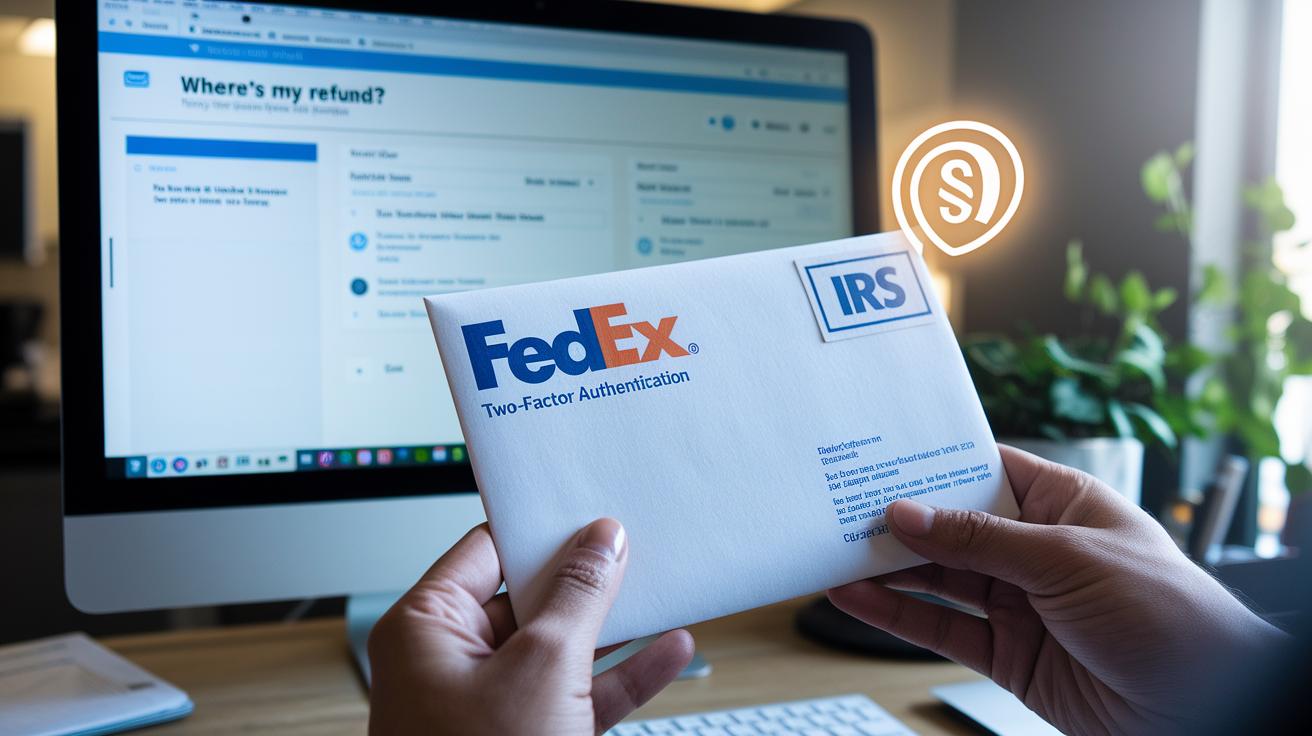
TL;DR: Verify your refund with IRS Letter 6240 or a portal notice, and watch out for phishing scams.
The IRS protects your payment files with several layers of encryption and uses multi-factor authentication on the "Where's My Refund?" portal. After your deposit is sent, you will either receive IRS Letter 6240 or see a confirmation notice in your account. This confirmation shows that your payment is safe. Think of encryption like a lock on a safe. Only the correct key (authentication) can open it.
Be alert for phishing. The IRS does not send emails with PDF attachments that ask for your banking information. If you get such a message, treat it as a red flag. Check your bank statements for any unusual deposits or changes. It is best to monitor your account regularly after filing and be cautious if you get unexpected calls or messages claiming to be from the IRS. When in doubt, verify directly through your IRS account or by calling official IRS support. Use only verified channels to confirm your deposit details.
FAQ: IRS Direct Deposit Tax Refund Payment Common Questions
Q1: Why didn’t I get my deposit on the scheduled date?
It might have taken extra time for the IRS to process your payment. Check the Deposit Timeline section above for the latest details.
Q2: Can I change my bank account after filing?
No, once you file with your direct deposit info, your bank details are set. Please review the Bank Account Guidelines section for full instructions.
Q3: What if I don’t have a bank account?
If you don’t have a bank account, you can use the IRS prepaid debit card option. Look at the Account Options section above for more information.
Q4: Is there a mobile app for tracking my refund?
Yes, the IRS2Go tracker lets you check your refund status. See the Refund Tracking section for how to use it.
Q5: Are advance-refund products still offered?
Advance refund options have ended. For more details, refer to the Refund Product Overview section.
Final Words
Jump right in: we broke down how IRS direct deposit tax refund payments work, from opting in on Form 1040 to tracking your refund with IRS online tools. We covered the move away from paper checks, the simple process to set up secured electronic payments, and ways to troubleshoot common issues. This streamlined guide offers practical steps to help you understand timings and security measures. Stay engaged and proactive as you manage your tax refund, knowing you have clear, actionable insights in hand.
FAQ
What is the IRS direct deposit tax refund payment schedule?
The IRS posts refunds within 21 days after acceptance. Payment processing typically starts on day three, with deposits reaching banks between day five to day 21.
What are the IRS refund direct deposit rules?
IRS refunds via direct deposit use Form 1040 to supply bank details for secure electronic transfers. Once your return is accepted, the details cannot be changed.
How do I check my IRS direct deposit status using the portal?
Use the IRS “Where’s My Refund?” tool or IRS2Go app to track your refund. The tool updates daily, showing stages from return receipt to refund sent.
What should I do if my tax refund exceeds $10,000 with direct deposit?
Refunds over $10,000 follow the standard deposit process but may require extra verification. Monitor your refund through the IRS tracker and any additional notices.
What is the IRS direct deposit tax refund payment phone number?
For inquiries related to deposit issues after 21 days, call the IRS hotline at 800-829-1954 to speak with a representative.
Why did I get $1400 from the IRS today?
The receipt of $1400 likely indicates a refund or tax credit payment. Check your tax return and IRS account details for a clear explanation.
What date are the IRS sending out refunds and how can I know?
Refund dates depend on when your return is accepted. Use the IRS “Where’s My Refund?” tool to see estimated deposit dates specific to your filing.
Can I change my bank account after filing for direct deposit?
You cannot change your bank details after filing. Verify your bank routing and account numbers on Form 1040 to ensure the refund is deposited correctly.
Which form must I use to set up IRS direct deposit for my tax refund?
Use Form 1040 with the direct deposit option to supply your bank routing and account numbers, ensuring your refund is sent via a secure electronic transfer.