

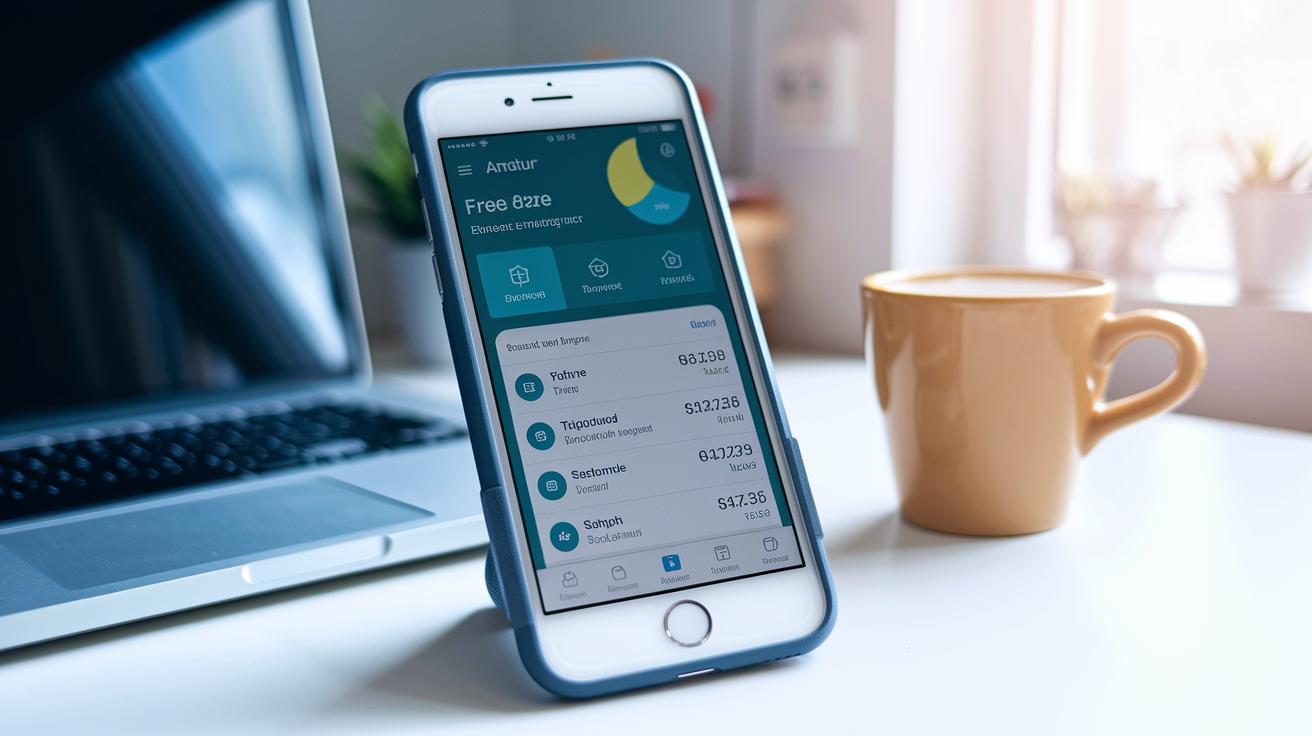

TL;DR: Get organized with a free expense management app that tracks spending, scans receipts, and syncs with your bank, all for zero cost.
Fed up with messy receipts and piles of spreadsheets? Try a free expense management app. It automatically tracks your spending, scans your receipts, and links directly to your bank. These apps work for personal budgets and small business finances alike. In this post, we break down a few top free apps that simplify your money management. Take control of your finances without spending a dime.
Best Free Expense Management Apps for Personal and Small Business
These free apps help you track your spending without breaking the bank. They work for both personal and small business budgets. Whether you use a smartphone, tablet, or computer, these tools simplify budgeting by linking to your bank or letting you enter expenses manually.
We compared these apps based on ease of use, automation, and device compatibility. Some apps sync with your bank to update your budget automatically. Others let you scan receipts, sort expenses into categories, or even track mileage. The main goal is to set up a clear view of your finances without any extra fees.
- EveryDollar: Custom budgeting that links directly to your bank for automatic expense updates.
- Expensify: Uses your phone camera to scan receipts, auto-sorts expenses, tracks mileage with GPS, and makes simple invoices.
- Everlance: Automatically logs expenses and mileage by connecting your bank and credit card.
- Cashew: Links with your bank to create detailed reports on your spending and cash flow.
- Buckwheat: Focuses on manual entry to help you see your spending habits closer.
- Ivy Wallet: Offers budget alerts and helps set spending limits for better control.
- Wallet: Provides up-to-date stats on your accounts, investments, and spending goals.
Each of these apps gives you practical budgeting tools with automated data capture and detailed reports. By choosing one, you can keep your finances organized and make smarter decisions without spending any money.
Feature Comparison of Free Expense Management Apps

TL;DR: Compare free expense apps to pick one that fits your budgeting and tracking needs.
This guide looks at free expense apps by focusing on core features like setting budgets, sorting transactions, and running basic reports. We cover tools such as receipt scanning, manual budgeting, and support for different currencies. Check these details to decide which free expense app works best for you.
| App | Free Features | Supported Platforms | Limitations |
|---|---|---|---|
| EveryDollar | Manual entry budgeting, custom templates | iOS, Android | Lacks advanced automation |
| Expensify | Receipt scanning, auto-categorization, mileage tracking | iOS, Android, Web | Limited monthly free reports |
| Everlance | Automatic expense logging, receipt scanning, mileage tracking | iOS, Android | Free tier function restrictions |
| Cashew | Bank syncing, detailed cash flow reports | Mobile, Web | Limited connected bank accounts |
| Wallet | Multi-currency support, investment overviews, real-time stats | iOS, Android, Web | Category limits in free version |
When picking an app, think about which features matter most to you. If you prefer hands-on budgeting or want automatic tracking and reports, review these options based on the platforms they support and the limits of their free versions. This way, you can choose the free expense app that fits your needs whether you use Android, iOS, or web tools.
User Ratings and Pros & Cons of Free Expense Management Apps
EveryDollar (4.5 on the App Store) is loved for its simple design. Users enjoy the effortless bank sync and clear budgeting templates that make tracking expenses a breeze. However, its free analytics are basic, so you might want more detailed insights.
Expensify (4.6 on Google Play) stands out with its quick auto-scan for receipts and strong support for foreign currencies. These features help you capture expenses fast. Keep in mind, though, the free plan limits you to 25 reports a month, which could be a hurdle if you have high expense volumes.
Everlance (4.2 on the App Store) automatically logs your expenses and mileage, a great fit for those always on the move. Some users have mentioned that intermittent ads can disrupt the experience.
Cashew (4.3 on Google Play) offers detailed cash flow reports to help you keep an eye on your spending trends. A few users have run into occasional syncing problems that interrupt data consolidation.
Wallet (averaging 4.4 across platforms) earns praise for its goal tracking and real-time statistics. On the flip side, its free version limits expense categories, which might not suit users with more complex budgets.
How to Set Up Your Free Expense Management App

Start by downloading your chosen app from Google Play or the App Store. Create a free account using your email or social login. Once you’re registered, link your bank and credit card accounts securely with the app’s API or by uploading CSV files. This step gathers all your transactions in one view, like opening a digital ledger that automatically records every income and expense from day one.
Next, customize the app to fit your budget by setting spending categories such as rent, groceries, and utilities. Turn on receipt scanning by giving the app camera access. The app uses built-in OCR (optical character recognition) to pull key details like date, amount, and merchant from your receipts. Then, set up spending alerts or weekly summaries by choosing your over-budget thresholds. This hands-free setup keeps you organized and ensures you never miss a key detail in your finances.
Tips for Maximizing Your Free Expense Management App Benefits
TL;DR: Check your transactions regularly, set up automatic savings, and export your reports each month to keep your budget on track.
Review your transactions often. Go through imported items and recategorize them to keep your spending reports accurate.
Reconcile your accounts every week. This helps you spot any duplicates or missing categorizations so your data stays clean.
Use auto-categorization when you can, but always double-check results on your mobile dashboard to avoid mistakes.
Set clear savings goals. Tie short-term transfers to these goals so some funds are automatically saved.
Export your monthly reports in CSV or PDF format. These files can help with tax prep or be shared with your financial advisor for extra insight.
Following these steps keeps your data accurate and makes expense tracking a simple part of managing your money.
Platform Support and Accessibility of Free Expense Management Apps

Free expense management apps do more than just work on your device. They give you real-time updates, let you enter transactions when offline, and even offer browser extensions for desktop use. For example, Wallet syncs your data instantly between its web and mobile apps so that your budget stays current no matter where you check it. Meanwhile, Expensify, Everlance, and Cashew let you monitor your finances with handy browser add-ons. Most free apps also let you record transactions without an internet connection.
A quick reference:
| App | Key Unique Feature |
|---|---|
| Wallet | Real-time data syncing |
| Expensify, Everlance, Cashew | Browser extensions |
| Most free apps | Offline transaction entry |
Final Words
In the action, the article broke down the top free expense management apps for both personal and small business use. We reviewed key features, usability, platform support, and user ratings, helping you quickly compare options.
The guide also showed you how to set up your app and maximize its benefits with smart tips and best practices. This straightforward approach lets you take charge of your spending with minimal hassle using a free expense management app. Now you have clear, actionable steps to stay on track.
FAQ
Q: What is the best free expense management app?
The best free expense management app provides tools like budgeting, transaction categorization, receipt scanning, and bank integration at no cost. Popular choices include EveryDollar, Expensify, and Wallet.
Q: What is a good free expense management app for Android and iPhone?
The free expense management app for Android and iPhone offers mobile compatibility, real-time tracking, and a user-friendly interface. Apps such as Expensify and EveryDollar are well-liked on both platforms.
Q: Is Expensify a free app?
The Expensify app offers a free tier with features like receipt scanning and auto-categorization. It includes monthly limits on reports, and advanced functions may require a paid upgrade.
Q: Which budgeting app is truly free?
The truly free budgeting app provides basic bank syncing, manual entries, and expense categorization without subscription fees. Apps like EveryDollar and Wallet serve as solid free budgeting options.
Q: Is Mint no longer free?
The Mint app continues to offer free budgeting and expense tracking services, though users may see optional paid features and some in-app ads while using the platform.
Q: What free expense tracking app works well for personal use?
The free expense tracking app for personal use features budget alerts, spending insights, and real-time statistics. Options like Ivy Wallet and Buckwheat support effortless daily expense management.
Q: Which free expense management software suits a small business?
The free expense management software for small business provides receipt scanning, categorization, and reporting features. Apps such as Expensify and Cashew help business owners monitor spending efficiently.
Q: Does the EZ Expense Manager offer a free version?
The EZ Expense Manager provides a free version geared toward tracking routine expenses and generating basic reports, catering to users who need a simple expense management solution.
Q: What free expense tracker app includes a receipt scanner?
The free expense tracker app with a receipt scanner integrates OCR technology to capture receipt details automatically. Apps like Expensify help users scan, categorize, and track expenses without cost.
Q: What expense reimbursement app is available for free?
The free expense reimbursement app simplifies the process of submitting receipts and expense reports for approval. Integrated tools in apps such as Expensify make reimbursement tracking efficient.