



TL;DR: Switch to cloud expense management and say goodbye to messy spreadsheets.
Tired of wrestling with cluttered spreadsheets and piles of expense forms? Modern cloud tools make managing spending simple and fast. They speed up reimbursements and cut processing costs.
With cloud expense management software, your team can handle global spending from a single account, even when dealing with different currencies. Enjoy real-time updates, easy mobile receipt capture, and built-in audit trails, so you can focus on what matters most.
This new approach saves time and money while making your financial decisions simpler. It’s a smarter way to manage your expenses.
cloud expense tracking system overview and benefits
TL;DR: Switch to a cloud expense system to cut processing costs, speed up reimbursements, and simplify global expense tracking.
A cloud expense tracker is digital software that helps businesses manage spending through one Global Business Account. It lets you track spending in multiple currencies and issue corporate cards all from a single platform. Imagine one shared account where international teams can manage their expenses easily; it saves time and slashes paperwork.
Automated processes reduce expense handling costs by up to 70%. Many users report getting reimbursements the next day instead of waiting for manual approvals. This means your team can focus on other important tasks instead of getting bogged down by admin work.
With real-time mobile receipt capture and unified dashboards, you get up-to-date financial data at your fingertips. This simple system makes tracking reimbursements and managing reports a breeze, enhances compliance with built-in audit trails, and cuts down on human errors.
In short, switching to a cloud expense tracker boosts efficiency, provides faster financial insights, and lets leaders concentrate on strategic decisions while the system takes care of the details.
Key features of cloud based expense management software

TL;DR: Choose a platform that cuts manual steps and speeds up your expense processing. Pick software that lets your team snap receipts, enforce spending rules on the fly, and get real-time financial updates.
Finding the right system means you spend less time on paperwork and more time on smart decisions. Look for features that work together to reduce errors and free up your finance team for key actions.
- Automated receipt capture using mobile OCR
- Multi-level approval workflows to keep checks in place
- Virtual corporate card controls for secure spending
- Easy accounting integrations ready for ERP systems
- AI-powered tools that sort expenses for you
- Automated alerts for compliance issues
- Clear analytics dashboards for spending trends
- Mobile collaboration and built-in audit trails
These tools streamline your process by cutting repetitive tasks and reducing mistakes. With faster approvals and instant data, you get a clearer view of your finances and can take action with confidence.
Comparison of cloud based expense management software solutions
TL;DR: Pick a platform that fits your company’s size, budget, and unique needs by comparing key features and pricing.
Switching to a new expense management tool should be simple yet powerful. You need one that works well, is easy to use, and keeps costs in check. The right choice depends on your company’s size and the details of your financial process.
| Software | Key strength | Starting price |
|---|---|---|
| Brex | All-in-one spend management with AI-driven compliance | Free Essentials tier; Premium at $12/user/month |
| Expensify | Easy-to-use mobile app with simple reporting | $5/user/month basic; $9/user/month for larger teams |
| Zoho Expense | Great for small businesses with clear expense tracking | Standard at $4/user/month; Premium at $7/user/month |
| OFX | Supports multiple currencies and virtual corporate cards | Pricing available on request |
| SAP Concur | Combines travel and expense management in one tool | Pricing available on request |
Choose based on your needs: small businesses might lean toward Zoho Expense for its affordability, while companies with global deals could benefit from OFX. Large firms looking for full spend management and quick reimbursements might want to consider Brex or SAP Concur. Tailor your pick to save money and streamline your operations.
Cloud based expense management software pricing models

Cloud-based expense management tools usually charge per user with tiered plans that match your needs and budget. For instance, Brex offers a free Essentials plan and a Premium plan for $12 per user each month. Zoho Expense has a Standard plan at $4 per user per month and a Premium plan at $7 per user per month. Expensify costs $5 per user per month for teams of up to 10 people and $9 per user per month for larger teams.
| Provider | Plan | Price |
|---|---|---|
| Brex | Essentials | Free |
| Brex | Premium | $12 per user/month |
| Zoho Expense | Standard | $4 per user/month |
| Zoho Expense | Premium | $7 per user/month |
| Expensify | Basic (up to 10 employees) | $5 per user/month |
| Expensify | Basic (more than 10 employees) | $9 per user/month |
Some providers also offer custom enterprise plans that adjust based on the number of users and the volume of transactions. Businesses can take advantage of free trials or pilot programs to see how the software boosts efficiency and speeds up reimbursements. This approach helps you control costs and grow your expense management system as your business expands while ensuring the solution fits smoothly with your review processes and delivers clear value.
cloud based expense management software: Effortless Savings
TL;DR: Link your expense platform to your accounting systems to cut manual work, boost accuracy, and free up your team for smarter tasks.
When your expense software talks directly to your accounting or ERP system, you save time and keep data accurate. Reports automatically match your financial records, cutting out tedious data entry. This real-time sync helps your business move quickly, especially during month-end closes or routine checks.
Key connectors like QuickBooks Online/Desktop, Xero, NetSuite, Sage Intacct, Sage 300 CRE, and Sage 50 automate journal entries to ease your workload. Travel booking tools enforce spending rules right at purchase and pull in receipts without extra work. Meanwhile, virtual card feeds from Visa, Mastercard, and American Express let you reconcile instantly. Copilot AI even maps your expense details to the right accounts so nothing falls through the cracks. For more on these connectors, check out financial software for small business.
These integrations mean faster close cycles and fewer manual tasks. With clearer, more accurate data, you spend less time crunching numbers and more time taking action. Your finance team can focus on strategic work while the system handles routine tasks.
Security and compliance in cloud based expense management software
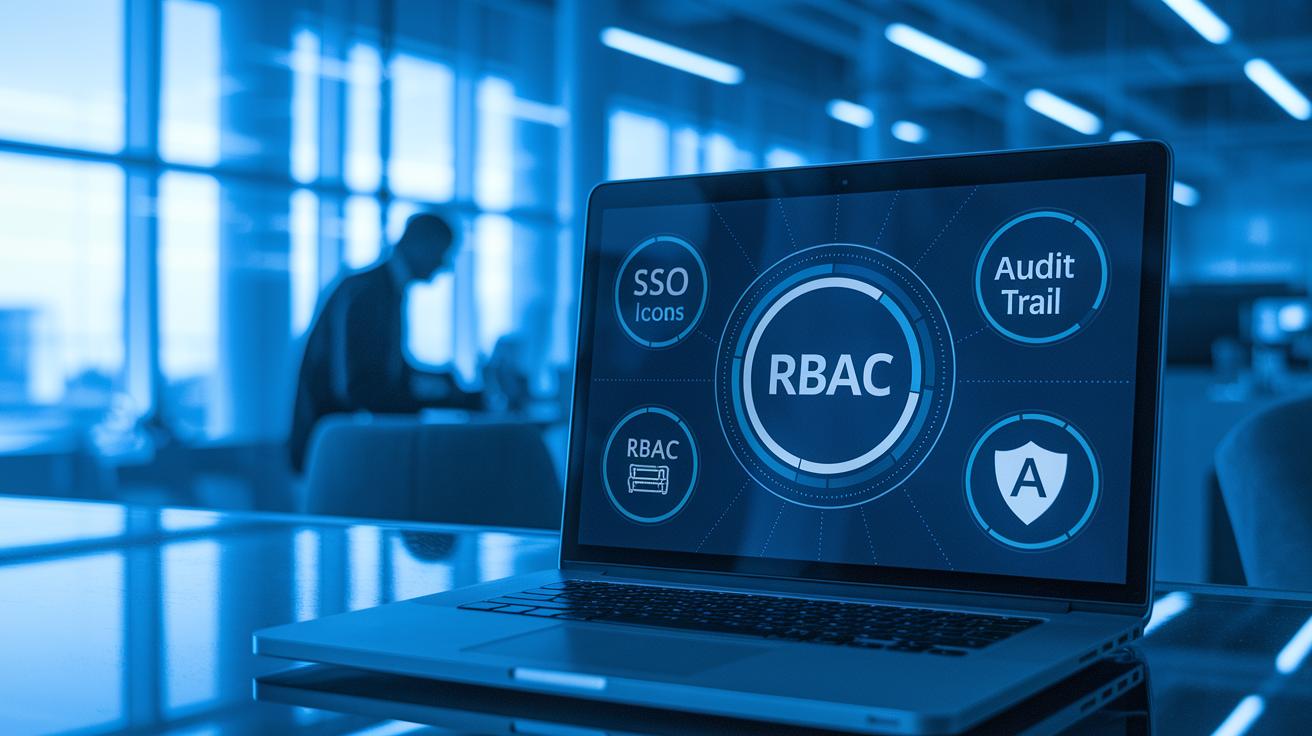
Rest easy knowing your expense platform meets top security standards. SOC 2 Type II and PCI-DSS show that it follows strict rules for protecting data. The system uses role-based access and single sign-on so only approved users can view or edit sensitive information.
Built-in audit trails catch duplicate or odd transactions automatically. These alerts help your team spot errors and possible fraud right away. With fraud prevention tools and strong identity checks, every expense and transaction is carefully monitored to address any issues fast.
For global companies, handling multiple currencies matters for meeting local tax rules. The software creates a digital audit trail that smooths compliance audits and eases reporting across regions. By merging solid security with automated audits and fraud checks, the system keeps your financial data secure, clear, and fully compliant.
Implementation best practices for cloud based expense management software
TL;DR: Plan well, test with a small pilot, and keep communication clear to make your expense management software work for you.
Getting started means teaming up across departments and setting clear expense rules from the beginning. This lays a strong groundwork for smooth integration. Begin with a pilot phase, test your workflows, and listen to user feedback. Clear role assignments and the rollout of mobile apps and corporate cards boost user confidence. Always track key metrics like time saved, processing costs, and reimbursement speed to see if the system is working as planned.
- Pre-implementation planning with stakeholders
- Pilot deployment and workflow testing
- User training on tools and policies
- Metrics tracking for efficiency gains
- ROI and process-improvement evaluation
Keep an eye on performance over time. Regularly review feedback and adjust your workflows to maximize savings. Ongoing tweaks based on real-world use not only encourage user adoption but also strengthen the benefits of automated expense tracking. Many vendors offer demos under 40 minutes, so consider watching one to fine-tune your system for a smoother, faster claims process that supports your business growth.
Case studies of cloud based expense management software success

TL;DR: Real-world examples show how cloud expense tools cut costs, speed up payments, and boost control.
A bike retailer slashed foreign-exchange fees by switching to fixed-rate transfers and virtual corporate cards, making expense processing simpler. A global services firm expanded into 27 countries by automating expense operations, which cut delays and kept processes consistent. Westhaven trimmed administrative time by 60% using next-day ACH reimbursements that got paychecks out faster. These examples make it clear: smart expense tools can save money and improve efficiency across many businesses.
TASA refined receipt tracking for multiple entities by using mobile capture and clear expense rules, which lowered manual errors and eased oversight. Bluegrass brought expense management under one roof for several nonprofits by consolidating dashboards. This move not only boosted data accuracy but also strengthened spending control. Together, these case studies prove that cloud expense software drives efficiency, speeds up reimbursement, and offers solid reports to support strategic decisions.
How to choose cloud based expense management software for your organization
TL;DR: Pick a tool that fits your needs, works with your current systems, and grows with your business.
Start by listing must-have features like mobile receipt capture, AI-powered categorization (automated assignment of expenses), multi-currency support, and virtual card controls. Compare pricing, free trials, and vendor support to meet today’s needs and future growth.
Check if the software integrates with your accounting and ERP systems. Look for tools that streamline data flow and simplify month-end closings.
Review security certifications such as SOC 2 and PCI-DSS. These show the system has strong audit and compliance measures. Ensure it can handle growing transaction volumes while keeping risk low.
When you narrow your options, arrange demos or free trials. Use these sessions to test mobile capture and AI categorization in real-world scenarios, making it easier to decide if the system meets your business needs.
Final Words
In the action, the article broke down cloud expense tracking benefits and real-world outcomes. We reviewed essential features, pricing models, integration with accounting systems, and robust security practices. Each section offered clear steps to improve workflow efficiency and cut processing costs.
For decision-makers and active traders, cloud based expense management software can streamline processes, reduce overhead, and improve transparency. Embrace these insights to refine operations and take confident steps in your financial planning.
FAQ
Are there free cloud based expense management software options available?
Some cloud expense management solutions offer free trials or basic tiers. For instance, Expensify provides a free basic plan for small teams, while others may let you test core features before full adoption.
What is considered the best cloud based expense management software?
Top solutions like Expensify, Brex, and Zoho Expense provide robust mobile capture, approval workflows, and integrations. The best option depends on your company’s size and specific expense tracking needs.
Which cloud based expense management software works best for small businesses?
Options such as Zoho Expense and Expensify cater to small businesses with affordable pricing, mobile receipt capture, and streamlined expense tracking to speed up reimbursements and reduce processing costs.
What features does Zoho Expense management offer?
Zoho Expense management offers automated receipt capture, multi-level approval processes, detailed expense reporting, and budgeting tools, all designed to simplify cost tracking for small businesses.
What types of expense management tools and systems are available?
Expense management systems vary from mobile receipt scanning apps to comprehensive platforms with corporate card controls, multi-currency tracking, ERP integrations, and detailed analytics for improved expense reporting.
Is Expensify a cloud-based expense management solution?
Expensify is a cloud-based platform that delivers automated receipt capture, real-time expense tracking, and a user-friendly mobile app, ensuring businesses can manage expenses efficiently from anywhere.
Does Microsoft offer an expense tracker?
Microsoft includes expense tracking features within some Microsoft 365 applications and standalone tools in certain regions, although dedicated expense management platforms might offer more specialized functionalities.
Where can I view an Expensify demo?
Expensify offers demo sessions accessible through their website, where potential users can explore features such as automated expense tracking, receipt capture, and report generation to see how the tool fits their needs.