



TL;DR: Use Expensify to quickly snap receipts into organized records.
Ever think expense tracking could be easier? Expensify lets you take a photo of your receipts and instantly turn them into neat digital records. Its SmartScan OCR grabs key details like date, amount, and vendor so you don't have to type them in manually. The tool links directly with your accounting software, so your records stay current and error-free. Save time, cut costs, and focus on running your business instead of sorting paperwork.
Expensify Expense Management Software: Core Features & Benefits
TL;DR: Automate expense tracking and keep your accounting records current with Expensify.
Expensify is a cloud-based tool that makes managing business expenses simple and efficient. It uses SmartScan OCR (optical character recognition) to capture receipt details like merchant, date, and amount so you avoid tedious manual entry. The software automatically syncs with popular systems such as Xero and QuickBooks, ensuring your books are always up to date.
Expensify also helps you stick to company policies with built-in spend controls and compliance reports. It categorizes expenses automatically and handles recurring entries, which takes the guesswork out of data allocation. Integration into your digital accounting workflow builds a clear audit trail for every transaction.
- Automated receipt capture using SmartScan OCR
- Real-time expense checks through continuous sync with accounting systems
- Policy-driven controls with compliance reporting to enforce consistency
- Automatic categorization and recurring coding for smooth expense allocation
- Direct ACH disbursements that enable reimbursements by the next day
- Secure data encryption with global currency support for international use
- Integrated accounting features that create a complete audit trail
These features solve common issues like manual data entry and delays in reimbursements. Expensify provides fast, accurate, and secure expense management so you can focus on what matters most.
Expensify Mobile App: Smart Receipt Capture & Seamless Submission

SmartScan OCR Technology
Expensify’s mobile app uses SmartScan optical character recognition (OCR) to turn your receipt photos into data in a flash. Snap a photo and the app auto-fills key details like merchant, date, and amount. This fast process cuts out manual entry and lets you report expenses with ease.
One-Click Submission & Mileage Tracking
Submitting expenses is as simple as one tap. Assign receipts to projects or categories quickly, ensuring each expense lands in the right place. The app also tracks your mileage automatically with built-in GPS so your travel details are ready for your report. Plus, you can send receipts via email or file upload, and everything syncs across your devices for instant review and approval.
Automated Expense Reporting & Approval Workflows in Expensify
TL;DR: Snap a receipt and let Expensify turn it into a complete, audit-ready expense report fast.
Expensify cuts out tedious manual work. When you scan a receipt, it automatically creates a full expense report. Your expense info is quickly captured using a digital reimbursement process. Custom rules then sort expenses by cost center, amount, or project. The system sends email and in-app notifications to the right person when an expense needs review.
A central dashboard shows real-time expense insights. It displays spend trends, flags unusual items, and highlights compliance issues so your reports stay accurate. Imagine snapping a receipt and instantly having its details sorted for approval. This simple step cuts processing time and reduces administrative overhead.
Expensify even speeds up your reimbursements. Direct ACH disbursements can push payments through by the next business day. Prebuilt templates and export options make it easy to follow both internal policies and external rules. With its smart spend management features, Expensify simplifies cost reporting and keeps your financial oversight clear and compliant.
Integrations & Compatibility with Accounting, Travel & ERP Tools
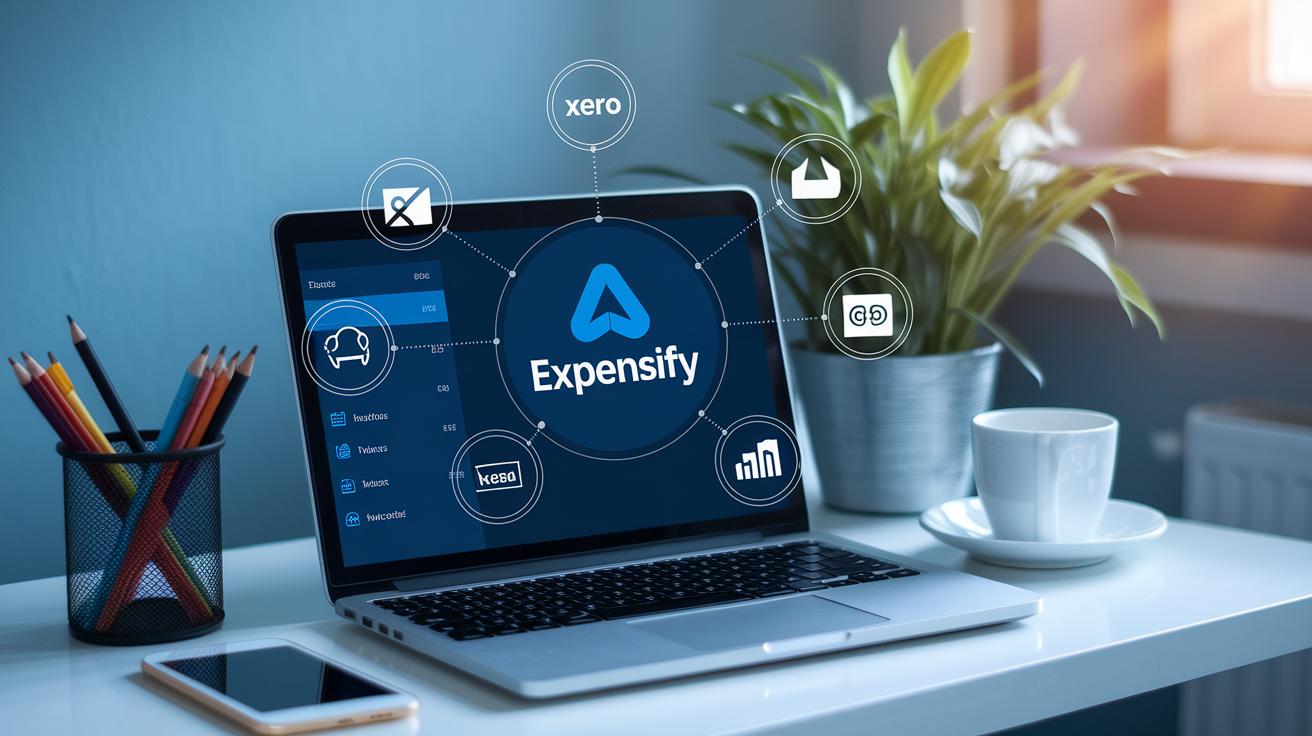
Expensify works with popular accounting systems like Xero, QuickBooks, and NetSuite. It automatically syncs every transaction so your financial records stay current. With its open API, you can build custom links to ERP and HRIS systems for real-time spend updates. This reduces manual entry and keeps data flowing smoothly between your expense management and core accounting tools. Vendor payment integration streamlines bill pay and invoice matching, helping you manage cash flow with ease.
Accounting & ERP Integrations
Setting up connectors is quick and easy. Expensify automatically matches SmartScan receipt entries with corporate card feeds. Once configured, expense data flows directly into your accounting software, letting you track and reconcile expenses in real time. This smooth API connection creates a clear audit trail, so every transaction is recorded correctly.
Travel & Corporate Card Connectivity
Expensify also handles travel expenses smartly. It pulls data from Uber, Lyft, major airlines, and hotel booking apps to capture every travel-related cost. Corporate card feeds automatically match with receipt entries, easing expense allocation. Plus, with support for over 80 currencies, automatic conversions, and built-in tax calculations, global businesses can consolidate and report their expenses confidently.
Expensify Pricing & Plans Overview
Expensify offers three clear pricing tiers that match different business needs. The free plan is built for individuals who need basic expense and mileage tracking with a few integrations. It works great for freelancers and small business owners who want an easy way to manage expenses.
For teams that are growing, the Team Plan costs $4.99 per user each month. This plan supports multiple users and comes with essential integrations that work smoothly with your accounting system.
If your company needs a full-feature set, the Corporate Plan is available for $9 per user each month. With this plan, you get policy enforcement, a concierge support team, and advanced analytics. Pricing adjusts based on transaction volume and support needs, so you pay only for what you use.
| Plan Name | Price (per user/mo) | Key Features |
|---|---|---|
| New Expensify Plan | Free | Expense and mileage tracking, limited integrations |
| Team Plan | $4.99 | Multi-user support, essential integrations |
| Corporate Plan | $9 | Policy enforcement, concierge support, advanced analytics |
Comparing Expensify to Leading Expense Management Alternatives

TL;DR: Use Expensify if you want a simple, fast way to handle expense reports. If you need full accounting or integrated financial tools, consider other platforms.
Expensify is built to capture and organize expenses quickly. It cuts down on manual entry and makes reimbursements smooth. In contrast, QuickBooks starts at $25 per month and offers complete accounting, covering bookkeeping and advanced financial reports. This makes QuickBooks a robust but more complex option.
Brex packs corporate cards, expense tracking, bill pay, and an AI-driven automation engine into one system. It’s a smart move for companies that want a fully integrated financial platform. Airbase, meanwhile, is designed for mid-sized teams by combining spend management, virtual cards, and accounts payable, giving you tight control without extra hassle.
Navan (formerly TripActions) leans towards travel management. It automates travel expenses and even offers a free plan for small businesses that handle frequent trips. On the other hand, Zoho Expense and Fyle focus on small to mid-sized businesses. Zoho uses AI to flag potential fraud, while Fyle delivers instant spend alerts and better tracking for older business credit cards.
Each platform has its own strength. Expensify’s focus on fast, accurate expense reporting helps ensure you get your reports done on time. For more expense management solutions, visit https://buzdaily.com?p=314.
Final Words
In the action, we explored how expensify expense management software streamlines expense reporting with SmartScan, automated categorization, and built-in approval workflows. We broke down its core features, highlighted mobile receipt capture, and examined seamless integrations with key accounting tools. The review also covered pricing tiers and comparisons to alternative solutions, making it easier to see which plan fits your needs. With clear benefits and practical guidance, you can improve efficiency and confidently manage expenses. Enjoy taking control of your spending with a tool designed to make your day-to-day tasks easier.
FAQ
What is Zoho Expense management?
The Zoho Expense management solution offers automated tracking that captures receipts, generates reports, and syncs with accounting systems. It differs from Expensify in pricing and specific features for small businesses.
Is Expensify really free?
The free version of Expensify covers basic expense and mileage tracking for single users. Upgrading opens access to team features, advanced integrations, and expanded reporting.
What is the Expensify app and expense tracker?
The Expensify app acts as a mobile expense tracker that uses SmartScan OCR to capture receipt details and one-tap submission along with GPS mileage logging for efficient expense management.
Which is the best expense management software for small businesses?
The best expense management software for small businesses automates receipt capture, streamlines reporting, and integrates with accounting systems. Expensify stands out for its user-friendly mobile features and scalable pricing plans.
What are the pros and cons of Expensify?
Expensify’s pros include automated receipt scanning, real-time reporting, and smooth integrations. Its cons are potential higher costs for larger teams and limited features on the free tier compared to other platforms.
What is the difference between QuickBooks and Expensify?
QuickBooks offers full accounting capabilities with broader financial management, while Expensify focuses on streamlining expense reporting and approval workflows with faster processing and specialized receipt capture.
What is Classic Expensify?
Classic Expensify refers to the original version of the software that provided basic expense tracking. Newer versions now offer enhanced automation, deeper integrations, and improved reporting features.