



TL;DR: Use Ledger’s secure wallet to keep your crypto safe by keeping private keys offline.
Worried about hackers? Many investors ask if their crypto is truly secure. Ledger’s wallet is designed to protect your digital assets by keeping your private keys offline and guarded by a dedicated secure chip. It uses offline cold storage and offers a backup service for your seed phrase, adding extra layers of protection.
We break down Ledger’s user-friendly design, steady performance, and good value so you can decide if it fits your crypto needs.
Complete Ledger Wallet Review: Verdict and Key Takeaways
Ledger is a secure wallet that keeps your private keys offline. It runs on BOLOS OS using a special secure chip (ST33J2M0, CC EAL5+), so even if one part is breached, your sensitive data stays safe. Seed phrases are never stored online, and offline cold storage adds extra protection. Ledger Recover is a paid backup service that encrypts pieces of your seed phrase under multi-party control. Since its founding in 2016, Ledger has built a strong reputation for protecting crypto assets.
Ledger offers a range of models to match different needs and budgets. The Nano S Plus is a smart starting point. The Nano X and Gen5 bring added portability and features like Bluetooth and direct dApp integration, which helps reduce user errors. For those who want a high-end experience, Stax adds advanced navigation tools. All devices support over 5,500 coins and tokens, making them a flexible solution for managing diverse crypto portfolios.
Pricing reflects the value Ledger provides. Nano X costs around $149, Gen5 is available for $179 (or $143.20 for Nano S upgraders), and Stax is offered at $399. With free firmware updates and a trusted security ecosystem, Ledger is well-suited for investors holding more than $500 to $1,000 in crypto. Overall, its strong security and practical design make Ledger a top choice for reliable cryptocurrency management.
Ledger Wallet Review: Security Architecture and Cold Storage Evaluation
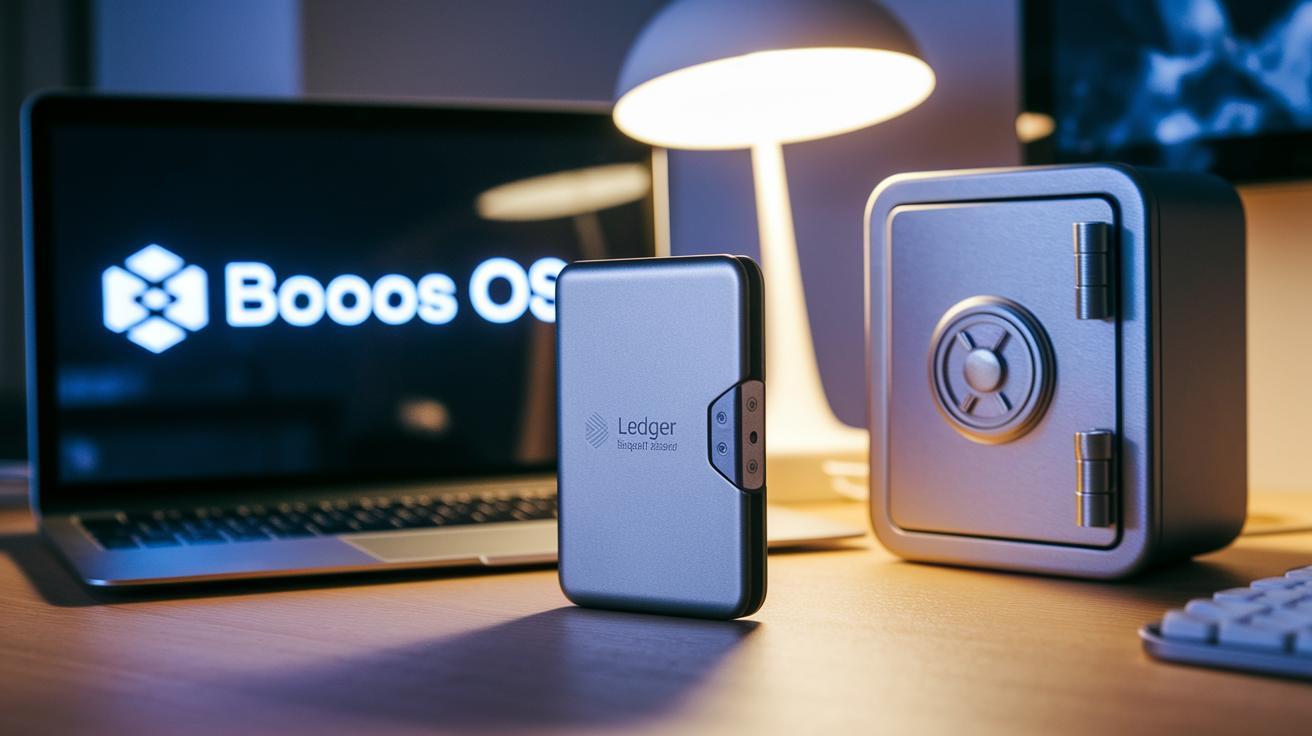
Ledger devices store private keys in a secure chip, known as a certified Secure Element (ST33J2M0), powered by BOLOS OS. Each crypto app gets its own space (sandbox) so that if one app fails, the others stay safe. This design helps keep your coins away from online threats.
When you set up your device, it generates a unique 24-word seed that backs up your assets. Ledger uses a double-key system to add extra protection. Think of it like keeping your spare key in a locked safe, if one layer is bypassed, your funds remain secure.
Another handy feature is Transaction Check. It warns you if a transaction is sent to a known bad address or a suspicious contract. Full details show up for you to review before you confirm, which helps catch mistakes and block threats.
Ledger Recover boosts safety by encrypting parts of your seed using multiple controls. Even when Bluetooth on models like Nano X and Gen5 helps with mobile connectivity, it works only as a transport layer and does not weaken the encryption. Together, these layers offer strong, industry-standard protection for your digital assets.
Ledger Wallet Review: Device Models, Features, and Competitor Comparison
Gen5 offers a secure, compact design and easy direct dApp access. It features a certified secure screen and skips the clunky browser steps common in other devices. In tests, Gen5 beat Trezor Safe 5, which still uses browser wallets, and it feels more intuitive than Ledger Flex's larger, less portable interface.
| Model | Screen | Integration | Design Emphasis |
|---|---|---|---|
| Gen5 | 2.8-inch tactile | Direct dApp access | Compact and certified secure |
| Trezor Safe 5 | Standard display | Browser-based wallets | Traditional security without modern features |
| Ledger Flex | Medium display | Limited direct connection | Large interface but less portable |
For users who value fast, secure transactions and modern connectivity, Gen5 clearly leads the pack.
Ledger Wallet Review: Usability, User Experience, and Interface Evaluation

Ledger Live makes managing your crypto portfolio quick and clear. Both its desktop and mobile apps let you track your coins, stake tokens (like DOT, SOL, XTZ, TRX, ATOM, and ALGO), manage NFTs, and connect directly with Web3 apps. Gen5 removes the need for clunky browser wallets, cutting down on copy-paste errors common with older setups. The simple, uncluttered interface helps beginners while still offering the power that veteran users expect.
The design focuses on a smooth user experience. For example, Nano X pairs via Bluetooth in minutes, reducing manual errors. The app guides you step-by-step, from checking your portfolio to starting staking. Even when device storage limits your app installations, the Transaction Check feature shows all contract details on screen before you confirm any action. This clear presentation builds confidence in every transaction.
Ledger Live keeps a consistent look across desktop and mobile platforms. Whether you’re verifying a pending transfer or checking market data, the easy layout makes it simple to follow each step. Overall, this consistent user-friendly design makes Ledger a solid choice for anyone managing their crypto portfolio.
Ledger Wallet Review: Setup Process, Backup, and Recovery Procedures
First, connect your Ledger device using a USB-C cable and install the Ledger Live app. You will then create a secure PIN and write down a 24-word seed on a recovery card. This seed acts like the key to a treasure chest, protecting your funds if needed. Ledger Live confirms your device's authenticity by checking its firmware signature. In short: enter your PIN and carefully record each word exactly as it appears.
Ledger Recover offers an extra layer of security by encrypting parts of your seed and storing them with three different custodians. Note that this feature has regional limits, so check its availability where you are. The setup is user-friendly and guides you step-by-step from connection to final verification, ensuring you maintain full control of your private keys and secure your digital assets.
Ledger Wallet Review: Pricing, Value for Investment, and Cost Effectiveness

TL;DR: Ledger wallets pack extra security and handy features that make them worth the extra upfront cost for long-term protection.
Ledger offers different wallet models to meet various investor needs. If your portfolio is over $500–$1,000, models like the Nano X and Gen5 might be a smart pick. They come with added features like Bluetooth and direct connection to decentralized apps (dApps), which boost security and ease of use. Think of it as paying a bit more for extra hotel security when you have valuable items with you.
When comparing prices, note that competitors like the Trezor Model T start at $219. Ledger stands out by offering free firmware updates and no ongoing subscription fees, which can help you save money over time. They also offer an optional Ledger Recover service to protect your backup phrases, with pricing that depends on your region.
In the end, Ledger’s focus on top-notch security and enhanced features means that, despite a higher initial price, these wallets remain a wise investment over time. This approach aligns with their commitment to secure, reliable asset management.
Ledger Wallet Review: Pros, Cons, and Potential Vulnerabilities
Ledger wallets offer robust security features that make them a strong choice for crypto asset management. They use a CC EAL5+ secure element (a top-tier security certification) and BOLOS isolation to safeguard your data. You can also hold over 5,500 cryptocurrencies, and the device supports mobile Bluetooth along with direct dApp integration for easy blockchain access. For those wanting an extra layer of protection, Ledger Recover is available.
That said, there are a few drawbacks to consider. The device comes with limited app slots, and its battery cannot be replaced. You may also run into occasional Bluetooth pairing issues, and recovery options may be restricted in some regions. In addition, Ledger Live does not sync balances automatically, and there is a potential for phishing scams during purchase.
| Pros | Cons |
|---|---|
| CC EAL5+ Secure Element | Limited app slots |
| BOLOS isolation | Non-replaceable batteries |
| Supports over 5,500 assets | Occasional Bluetooth pairing issues |
| Mobile Bluetooth functionality | Regional recovery limits |
| Direct dApp integration | No auto-balance syncing in Ledger Live |
| Optional Ledger Recover | Potential phishing at purchase |
Final Words
In the action, this ledger wallet review broke down Ledger's hardware lineup, security features, and user interface to help you gauge value and ease of use. We covered setup procedures, pricing details, and both benefits and potential drawbacks.
Each section sharpened how Ledger stacks up against competitors. Use this clear insight as a guide to make a confident, timely decision on your crypto management strategy. Stay informed and trade smart.
FAQ
What do reviews on Reddit and Trustpilot say about Ledger wallets?
Reviews on Reddit and Trustpilot highlight Ledger’s strong security features and overall reliability while noting occasional concerns such as Bluetooth pairing issues and limited app storage that some users experience.
What does the Ledger Nano X review reveal?
The Ledger Nano X review reveals that it offers robust security, Bluetooth functionality for mobile use, and a 10-hour battery, making it a popular choice for secure, portable crypto storage.
How does the Ledger Nano X function as a cold wallet?
The Ledger Nano X functions as a cold wallet by keeping private keys offline within a certified Secure Element and using a 24-word offline seed, thereby minimizing online vulnerabilities.
What does the Ledger Nano S Plus review indicate?
The Ledger Nano S Plus review indicates that it provides improved processing power and interface upgrades at a budget-friendly price, making it a strong option for beginners while offering essential security.
What is the price of the Ledger Nano X?
The Ledger Nano X is priced around $149, reflecting its advanced features like Bluetooth connectivity and a long battery life, which support secure asset management and mobility.
What features does the Ledger Wallet app provide?
The Ledger Wallet app, known as Ledger Live, provides portfolio tracking, staking options, NFT management, and Web3 integrations, offering an intuitive interface for both desktop and mobile users.
What is the Ledger Nano S wallet?
The Ledger Nano S wallet refers to an earlier, more streamlined hardware version designed for secure crypto management, featuring a limited display and fewer app storage options compared to newer models.
Is the Ledger wallet really safe?
Ledger wallets are designed with high-level security, using a certified Secure Element, BOLOS operating system, and offline seed phrases, which together make them a trusted option for safeguarding crypto assets.
How can I transfer funds from my Ledger wallet to a bank account?
To transfer funds from your Ledger wallet to a bank account, you must first sell your crypto on a supported exchange, then withdraw the cash to your linked bank account through the exchange’s withdrawal process.
What are the disadvantages of a Ledger wallet?
The disadvantages of a Ledger wallet include limited app slots, non-replaceable batteries in some models, regional restrictions on Ledger Recover, and occasional Bluetooth connectivity issues reported by some users.
Do I lose my crypto if I lose my Ledger wallet?
Losing your Ledger wallet does not result in losing your crypto as long as you securely keep your 24-word recovery phrase, which allows you to restore your digital assets on a new device.
What differentiates Ledger Stax from other Ledger models?
Ledger Stax stands out due to its large E-Ink display and touch navigation, offering a premium and advanced interface for users seeking enhanced interaction and visualization with their crypto management.