



TL;DR: Use expense management software to save time and keep budgets on track.
Expense management software pulls all your transactions into one easy platform. It automates routine tasks, such as scanning receipts (OCR technology) and flagging overspending right away. This lets your team focus on the work that matters.
Key benefits:
• Saves time by cutting out manual tracking.
• Speeds up reimbursements.
• Helps control your budget.
In this post, you'll learn how these practical tools boost productivity and keep finances organized.
Essential Features of Expense Management Software

Expense management tools make cost tracking simple by automating tasks that used to need manual entry. They catch out-of-policy spending right when it happens. For example, many systems send an alert if a receipt goes over your set limit. This helps companies avoid overspending before it impacts their budgets.
These tools work as a central cost tracker by gathering all transaction data into one easy-to-use platform. Employees can snap photos of receipts that are automatically sorted and linked to the right expenses. This speeds up reimbursements and cuts down on errors. Dashboards show real-time spending data, so decision makers can react quickly. One platform even reported a 30% faster turnaround in report generation after adding receipt scanning with optical character recognition (OCR).
- Automatic policy enforcement with spend limits
- Multi-level approval workflows
- OCR-based receipt scanning
- Automated receipt capture and classification
- Real-time card controls and virtual cards
- Native accounting integrations
- Analytics dashboards and compliance reports
These core features, which you can explore further at expense management solutions (https://buzdaily.com?p=314), form the backbone of scalable expense management software. They help companies stick to spending rules, speed up reimbursements, and keep financial reports clear, all of which tighten control over expenses and boost productivity.
Comparing Expense Management Software Pricing Models

Expense management software costs depend on how many users you have, the features you need, and the length of your contract. Smaller teams often start with free options to keep costs low. Meanwhile, larger companies or those wanting advanced automation usually choose tiered pricing. Many vendors charge per user, often starting at around $11 per user per month. Enterprise systems typically use custom pricing and require longer commitments to deliver the best rates.
| Software | Starting Price | Free Plan Available? |
|---|---|---|
| Brex | Premium at $12/user/month | Yes |
| Zoho Expense | Standard at $4/user/month | Yes |
| Expensify | $5/user/month (Collect tier) | No |
| Coupa | Quote-based | No |
| SAP Concur | Quote-based | No |
Automation can boost your return on investment by cutting out manual work like expense capture, report generation, and enforcement of policies. Faster reimbursements and simpler financial tracking help you save money in the long run, making the expense management system a smart investment.
Top Expense Management Software Tools of 2025

TL;DR: These tools help you cut manual tasks, track spending, and boost financial oversight. Pick one that fits your company’s size, budget, and integration needs.
-
Brex
Brex combines card issuance and expense tracking so you can automate spending. It comes with a free Essentials plan and a Premium plan at $12 per user per month. Key features include virtual card issuance, AI spend controls (automated monitoring of spending), and integrated management for expenses, accounts payable, payroll, and HR. This means you get more done with less effort. -
Zoho Expense
Zoho Expense works well for small and midsize businesses. It offers a free tier for up to three users, a Standard plan at $4 per user per month, and a Premium plan at $7 per user per month. The platform is built to enforce spending policies, capture receipts on your phone, and connect with your accounting system. Note that its support for global expenses is a bit limited. -
Expensify
Expensify is popular for its OCR-driven receipt scanning that reads and logs expenses automatically. It starts at $5 per user per month for its basic Collect plan, while the more advanced Control plan is priced at $9 per user per month. Its design is straightforward, reducing processing time and lowering errors in expense reporting. -
Coupa
Coupa is aimed at larger companies with complex needs. It uses quote-based pricing and works with over 150 ERP systems to deliver deep procurement connectivity and comprehensive spend management. This tool is a solid pick if you need detailed insights into corporate spending. -
SAP Concur
SAP Concur stays on top for global travel and expense management. With quote-based pricing, it offers robust compliance reporting and a wide range of international expense features. While its interface can take some getting used to, it provides the scale and depth needed by multinational organizations.
Choose the tool that best matches your company’s size, integration needs, and budget to simplify expense management and boost productivity.
Integrations and Implementation of Expense Management Software
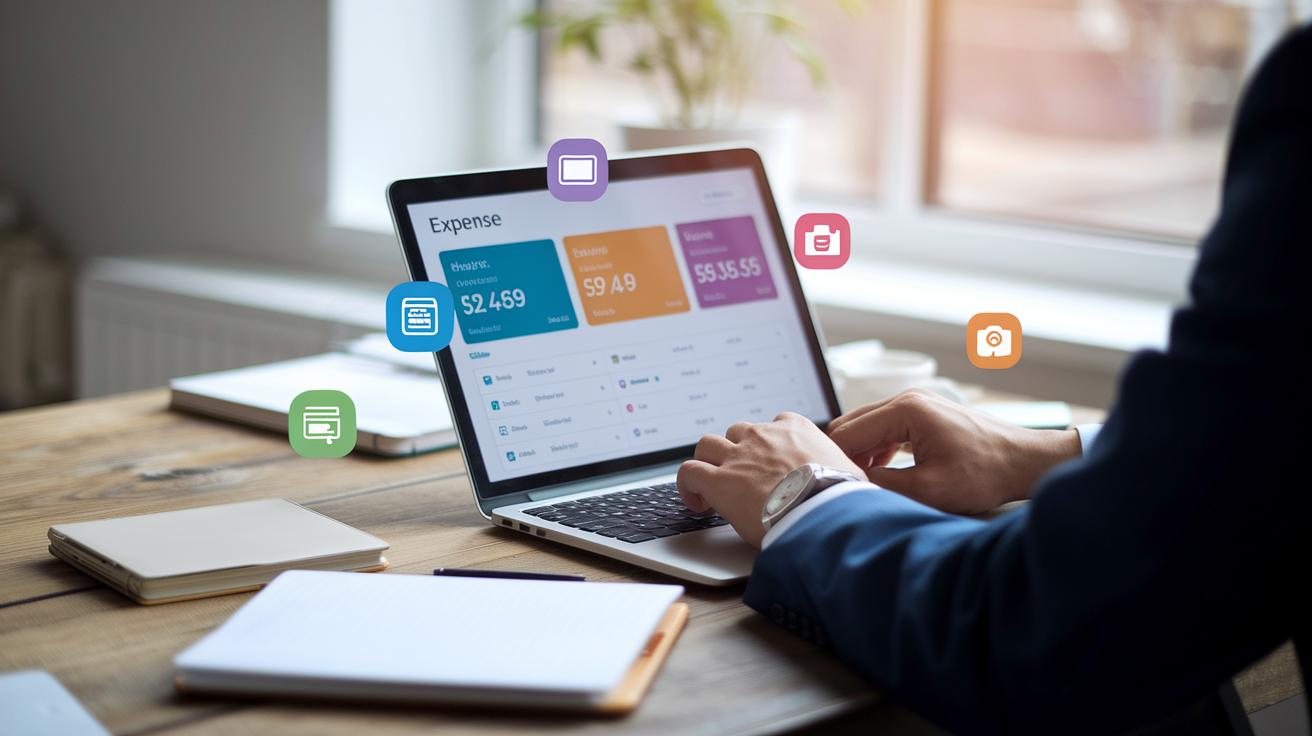
Expense management software easily links with systems like HR/payroll, accounts payable, and ERP systems such as NetSuite, SAP, and QuickBooks. These integrations offer real-time spending dashboards and mobile receipt scanning so you can capture receipts on the go, get approvals instantly, and upload data from anywhere.
Cloud tools bring all your expense data together in one place, helping decision makers spot trends and manage budgets faster. Using tools like financial software for small business (https://thefreshfinance.com?p=149) can simplify the process and boost overall efficiency.
Start with a clear plan. Here are the key steps to set up your expense management solution:
-
Data Migration and Chart of Accounts Setup
Securely move your historical data and set up your chart of accounts so past trends match new transactions. -
Approval Workflow Configuration
Create multi-level approval processes to enforce expense rules as soon as expenses are submitted. This helps reduce delays and keeps spending within guidelines. -
User Onboarding and Training
Train your team on the platform. Hands-on sessions help everyone benefit from features like automated receipt capture and reduce manual errors. -
Pilot Launch and Feedback Iteration
Begin with a small user group. Gather feedback, tweak the process, and ensure the system runs smoothly before rolling it out company-wide.
Regular system reviews are key. Check your connectors between expense control, budget monitoring, and other systems often to keep everything secure and efficient. For extra support, consider resources for financial management for small business (https://buzdaily.com?p=203) to fine-tune your setup.
Best Practices for Deploying Expense Management Software

Implementing an expense management system calls for clear, step-by-step planning. This helps the system run smoothly and encourages employees to use it. Start with simple processes that make it easy for employees to enter data and follow spending rules. Use training materials and sample policies to speed up the change and build a consistent framework for everyone.
Follow these steps for a smooth rollout:
- Expense entry and receipt upload
- Automated policy enforcement
- Manager approval routing
- Report generation and audit trail
- Accounting system synchronization
- Reimbursement payout
Each step cuts down on manual errors and increases efficiency in tracking expenses. Employees can quickly snap photos of receipts on their mobile or desktop systems while the system automatically spots any spending that breaks the rules.
Managing change is key during this rollout. Explain the new workflows clearly and hold training sessions to answer common questions. Regular check-ins and feedback will help fix any issues and share best practices across teams. Offer ongoing support with refresher training and a dedicated helpdesk to ensure the transition stays smooth. This organized approach not only makes your expense control solution stronger but also builds confidence in the new system, reducing downtime and keeping expense tracking consistent every day.
Expense Management Software Case Studies

TL;DR: Global and nonprofit organizations cut expense processing time by switching to unified, automated expense management systems.
A global service with 32 million users in 27 countries made a big change in handling expenses. They used one card and expense platform to fix problems with slow, manual processes.
• Challenge: Manual work slowed monthly closes.
• Action: They started using a full-featured expense platform that stops out-of-policy spending when a purchase is made and automates approval steps.
• Outcome: Monthly book closures now take only hours, and manual reporting work dropped by 95%.
A mid-sized nonprofit also faced delays. Their long reimbursement cycles hurt operational efficiency. They tackled this by choosing a mobile-first expense solution.
• Challenge: Reimbursements took up to 10 days because reviews and processing were done manually.
• Action: They implemented a system that lets employees snap receipt photos with their phones while enforcing spending rules automatically.
• Outcome: Reimbursement times fell to just 2 days, boosting cash flow and employee morale.
Final Words
In the action, we reviewed how key features, policy enforcement, automated receipt capture, and mobile scanning, streamline expense tracking. We broke down pricing models, compared top platforms, and outlined integration and best practices steps. Real-world case studies showed how these tools cut manual work and speed reimbursement cycles.
This article gives clear, step-by-step guidance on selecting and using software for expense management. The insights shared here set you up to make confident, smart moves forward.
FAQ
What free software is available for expense management?
The free expense management options include tools like Zoho Expense’s free plan and Brex Essentials, which provide basic cost tracking, receipt scanning, and automated capture to help streamline your spending management.
What is the best expense management software?
The best expense management software depends on your needs. Options such as Zoho Expense, Expensify, and SAP Concur offer robust features like OCR receipt scanning, policy enforcement, and native accounting integrations for smooth tracking.
Is Expensify really free?
The inquiry about Expensify reveals that it offers a free basic plan for receipt tracking. However, more advanced features like multi-level approvals and detailed control reports require a paid subscription.
Does Microsoft have an expense tracker?
The question concerns Microsoft’s offerings. Microsoft provides expense tracking features through Office tools and Excel templates, but dedicated, advanced expense management usually relies on third-party applications for enhanced tracking.
What is the best app to keep track of your expenses?
The best app for tracking expenses depends on your personal or business needs. Apps like Expensify and Zoho Expense offer user-friendly mobile solutions with automatic receipt capture and real-time expense updates.
What expense management tools are available?
The range of expense management tools spans free software, mobile apps, and platforms that include features such as OCR-based receipt scanning, automated capture, policy enforcement, and direct integration with accounting systems.
What is Zoho Expense Management?
Zoho Expense Management is a tool that helps manage employee expenses by providing automated receipt scanning, policy checks, and streamlined approval workflows, and it even offers a free plan for small teams to get started.