



TL;DR: Trezor wallets enhance your crypto security with offline key storage and built-in two-factor protection.
Ever wonder if your crypto is truly safe? Trezor wallets offer a solid answer. They store your keys offline and add extra security features like on-device two-factor authentication and hidden wallets. Whether you're just starting out or already a crypto expert, these devices are built for smart performance and strong protection of your digital assets. With options ranging from budget-friendly to advanced, Trezor aims to give you the security you need. Read on to see how Trezor measures up to the competition.
Trezor Wallet Evaluation & Key Takeaways
Trezor offers a range of hardware wallets that safely store your cryptocurrency offline. Models run from the budget-friendly Model One to the more advanced Safe 5. Each device keeps your private keys (the secret data needed to access your coins) off the internet. Its open-source firmware is reviewed globally, which adds extra trust.
For users who need more features, the Model T and Safe 5 let you enter your PIN on the device. The Safe 3 also steps up the game with a modern look and improved connectivity. These wallets are built for daily use and long-term asset protection, even though they don’t support staking or NFT management out of the box.
Key security benefits include:
| Key Feature | Benefit |
|---|---|
| Shamir Backup | Enables multi-share recovery |
| Hidden Wallets | Extra passphrase protection |
| On-Device Two-Factor Authentication | Stronger security verification |
| Offline Storage | Keeps your private keys safe |
| Open-Source Firmware | Undergoes community audits for added transparency |
| User-Friendly Interface | Easy management via Trezor Suite |
Trezor wallets suit both first-time crypto holders and experienced users. Their secure chip and tamper-proof packaging add reliability, even if they lack built-in support for staking or NFTs. Overall, Trezor scores 4.0 out of 5, so consider these trade-offs based on whether you need direct access to decentralized apps or extra layers of protection.
Trezor Model Pricing & Variant Comparison

TL;DR: Pick the Trezor device that matches your style and security needs. The Safe 3 gives you modern looks at a low price, while the Model T and Safe 5 offer extra controls with touchscreens for deeper security.
Trezor has a range of models designed for different users. The Safe 3 costs $79. It features a brushed-aluminum look in multiple colors and uses USB-C for a faster, more reliable connection. If you want a touchscreen and on-device PIN entry, you might lean toward the Model T, which is priced at $169. The Safe 5 also comes in at $169 and adds on-device authentication with a passphrase feature. The Model One is the budget choice with basic security and micro-USB connectivity, but note that recent models focus on USB-C for better performance.
| Model | Price | Connectivity | Key Features |
|---|---|---|---|
| Model One | $XX | Micro-USB | Basic security, compact design |
| Model T | $169 | USB-C | On-device PIN entry, touchscreen options |
| Safe 3 | $79 | USB-C | Brushed-aluminum backplate, improved connectivity |
| Safe 5 | $169 | USB-C | On-device authentication, passphrase addition |
If you are new to crypto storage, the Model One might be enough. If you want advanced features and modern design, consider the Safe 3. And if you need a more interactive experience with extra security options like a touchscreen, the Model T and Safe 5 are the way to go.
Trezor Wallet Setup & Suite Interface Guide
Follow these 7 simple steps to set up your Trezor wallet and connect to Trezor Suite:
- Download Trezor Suite from Trezor.io/start.
- Update your device firmware to get the latest security fixes.
- Verify your device by following the on-screen prompts.
- Create a 24-word seed phrase to help recover your account.
- Choose a PIN (1 to 50 digits) to secure your device.
- Optionally add a passphrase for extra privacy.
- Turn on the coin networks you plan to use so all your cryptocurrencies are supported.
Once your device is ready, launch Trezor Suite on your Mac, PC, or Linux computer. The desktop version makes it easy to manage your assets. You can send and receive funds, set custom fees, and label your accounts. It also lets you manage more than one wallet with clear settings and notifications.
The mobile app is available for iOS and Android. In watch-only mode, it lets you see your balances and track transactions without authorizing coin transfers. This keeps your funds secure, though it might feel limited if you prefer full mobile control.
Security Features of Trezor Wallet
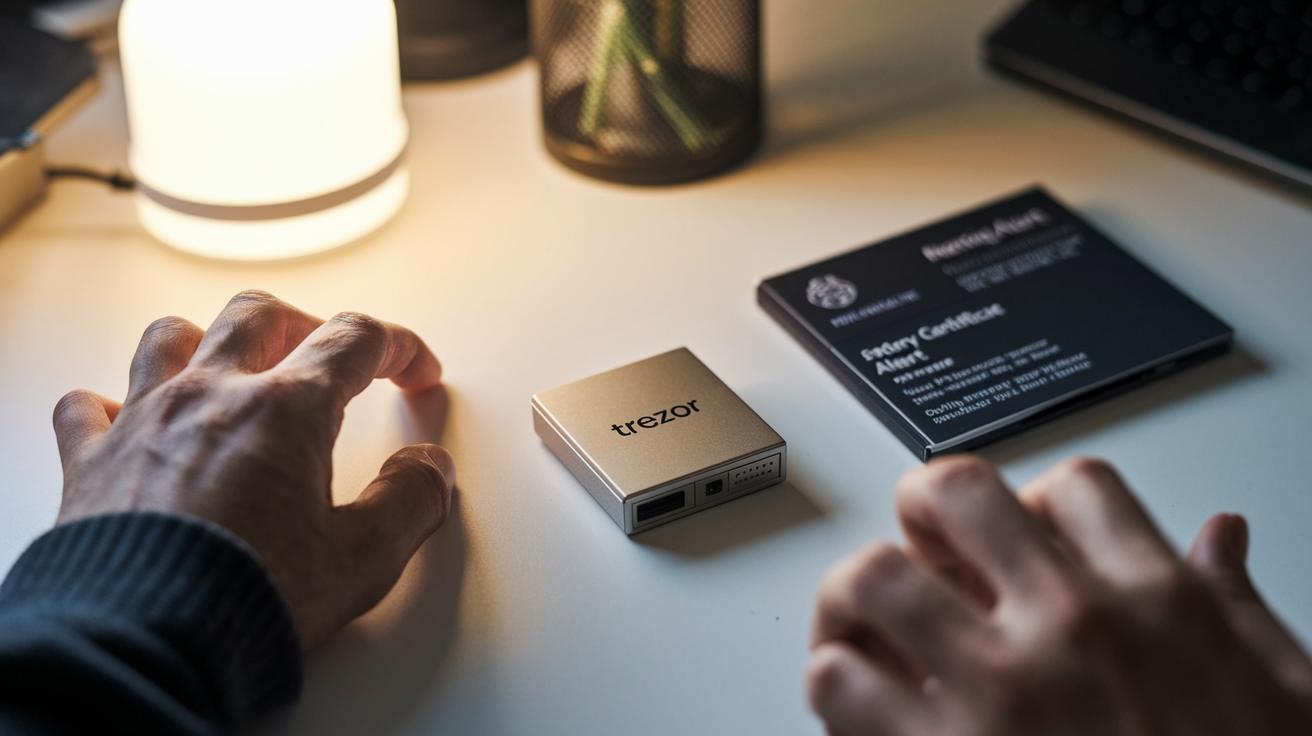
TL;DR: Trezor keeps your crypto safe with a secure chip, tamper alerts, and smart backup options. If something feels off, you can wipe your device immediately.
Trezor protects your PIN and recovery seed with a Secure Element chip that guards against physical tampering. The packaging shows any signs of interference, and a factory certificate confirms the device is legitimate. If a breach is suspected, you can wipe all sensitive data right away.
For backup, Trezor lets you use an optional Shamir Backup. This method splits your recovery seed into multiple parts so you can still restore access even if one share is lost. You can also set up hidden wallets that need an extra passphrase, adding another layer of protection to your funds.
The firmware is open source and undergoes regular audits by independent experts worldwide. With built-in two-factor authentication and no automatic transaction tracking, your privacy remains intact. Each security feature works together to guard your digital assets efficiently.
Digital Asset Compatibility in Trezor Wallet
Trezor wallets support top cryptocurrencies like Bitcoin and Ethereum. The Safe 3 model adds support for Cardano, Ripple, and Monero while removing Dash and Digibyte. The Model T, on the other hand, only supports XRP and Cardano. This setup is ideal for users who value security and a simple way to manage digital assets.
Keep in mind that Trezor devices do not support Solana. If you hold Solana, this is something you should consider before purchasing. In addition, the Trezor Suite interface does not allow you to hide unwanted ERC-20 tokens. This means your screen might get cluttered, which could make asset management less clear.
For users who need smart contract functions or want to access decentralized applications, pairing your Trezor with MetaMask is a smart move. This connection lets you interact with DeFi platforms and NFT marketplaces while keeping your crypto secure.
Supported assets include:
- Bitcoin and Ethereum (foundational support)
- Cardano, Ripple, Monero (with Safe 3)
- XRP (with Model T)
These options underline Trezor’s commitment to delivering a secure and flexible tool for digital asset management.
Trezor vs Ledger: Comparative Ledger Analysis
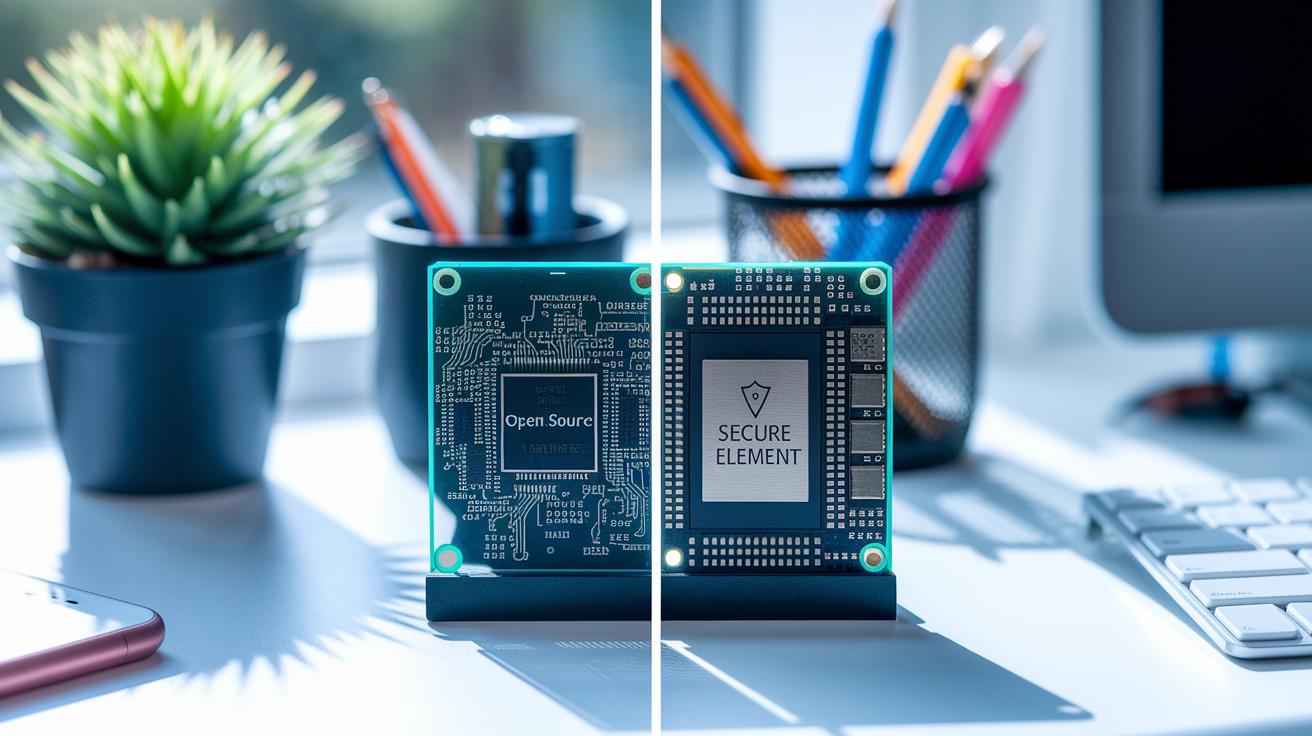
TL;DR: Trezor is built on open-source firmware for transparency, while Ledger uses a secure hardware chip to offer full mobile transaction capability and native staking features.
Trezor uses open-source firmware that anyone can review. This broad community audit boosts its transparency. In contrast, Ledger relies on a Secure Element chip that acts like a mini vault, giving you strong protection through its closed system.
Price matters too. The Trezor Model T is priced at $169, whereas the Ledger Nano X comes in at $149. Also, Trezor’s mobile version only lets you watch your balance, while Ledger’s mobile app lets you sign transactions on the go.
Both wallets provide
Pros & Cons of Trezor Wallet & Community Insights
Crypto holders widely praise Trezor for its top-notch security and easy-to-use design. It offers strong safety features like Shamir Backup (a method to split recovery information) and hidden wallets with extra passphrase protection. Its open-source firmware and offline key storage ensure that private keys stay safe from online threats. Even though some users point out issues with the wallet’s durability and missing features, reviews confirm that Trezor remains a trusted cold storage option.
| Pros | Cons |
|---|---|
| Strong security features | Plastic screen cover scratches easily |
| Shamir Backup for multi-share recovery | No mobile send capability |
| Hidden wallets with extra passphrase protection | ERC-20 hiding issue clutters the interface |
| Open-source firmware with community audits | Limited support for altcoins |
| Offline key storage for extra security | Model One’s design produces rattling sounds |
| Trusted reputation and positive user reviews | Lacks built-in decentralized app integration |
Trustpilot ratings average around 4.2 out of 5, showing that most users are happy with Trezor’s security measures and design. Reddit threads also applaud its reliable encryption and backup options, although some suggest the interface and functionality can improve. Overall, the feedback underscores Trezor's strong security while highlighting practical areas for future updates.
Trezor Wallet Purchase Options & Pricing Analysis
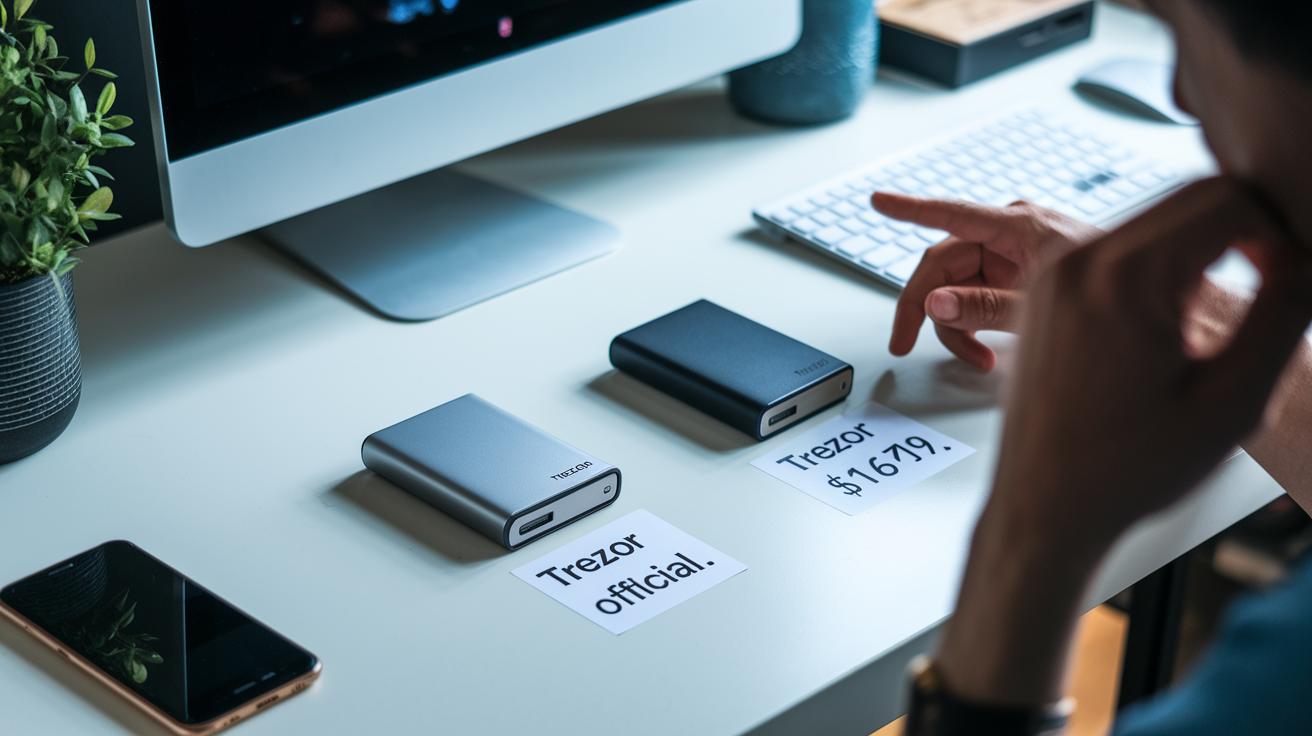
If you’re looking to buy a Trezor wallet, you can either purchase directly from Trezor or use a trusted online retailer. Buying straight from the manufacturer gives you a warranty, dedicated support, and timely alerts about promotions. On the other hand, online stores may have regional shipping perks and bundled offers. Just be sure to check the seller’s reviews and ratings to avoid issues with price markups or warranty claims.
- Official purchases ensure you get genuine products with full manufacturer support.
- The Safe 3 is priced at $79, and the Model T at $169, with occasional discounts lowering these rates.
- Stay alert for official updates on discounts to secure a better deal.
- Third-party platforms might charge different prices and offer varying coverage, so review seller credentials carefully.
- Shipping times vary by region; compare estimates to guarantee a timely delivery.
Final Words
In the action, we broke down the Trezor lineup, shared setup steps, and highlighted security elements and pricing comparisons. We reviewed everything from Model One to Safe 5, pointing out standout features while weighing pros and cons. Our trezor wallet review gives clear insights so you can compare Trezor with alternatives like Ledger and grab the tools you need for better financial decisions.
The key takeaways empower you to act with confidence and stay ahead of market trends.
FAQ
What does the Trezor wallet review on Reddit indicate?
The Trezor wallet review on Reddit indicates that users appreciate its robust security and open-source design while noting some design quirks. Overall, community feedback is mostly positive.
What do Trustpilot reviews say about Trezor wallets?
Trustpilot reviews praise Trezor for strong security and ease of use, though some users mention issues like screen durability and limited coin support. The ratings generally hover around 4 stars.
What key features define the Trezor Model T wallet?
The Trezor Model T wallet features a touchscreen display, USB-C connectivity, and expanded coin support, providing advanced security with intuitive on-device operations for a user-friendly experience.
How does the Trezor Safe 3 wallet differ from other models?
The Trezor Safe 3 wallet offers a brushed-aluminum finish, updated USB-C connectivity, and a lower price tag, making it an attractive middle-ground option with core security features.
How does Trezor compare to Ledger devices?
Trezor emphasizes transparency with open-source firmware and proven security, while Ledger offers additional features like native staking and NFT management, though it uses a less open secure element system.
What distinguishes the Trezor Model One wallet?
The Trezor Model One wallet is a budget-friendly device with essential offline security and micro-USB connectivity, designed for users who need basic protection without advanced features.
Does Trezor serve as a cold wallet?
The Trezor wallet effectively acts as a cold wallet by storing private keys offline for cryptocurrencies like Bitcoin and Ethereum, thereby significantly reducing online risks.
Is the Trezor wallet considered a trusted option?
The Trezor wallet is widely trusted due to its open-source design, community audits, and strong security features. It remains a popular choice among users mindful of offline asset protection.
What drawbacks does the Trezor wallet have?
The Trezor wallet drawbacks include limited support for staking and NFTs, some hardware design issues such as screen cover scratches, and a narrower coin selection on certain models compared to competitors.
Can you cash out funds from a Trezor wallet?
You can cash out funds from a Trezor wallet by transferring your cryptocurrencies to an exchange or service that facilitates fiat conversions, as Trezor does not handle cash-out transactions directly.
Does the Trezor wallet report transactions to the IRS?
The Trezor wallet does not automatically report transactions to the IRS; users must manually track and report their activities to maintain tax compliance.